2.1 Login to Configure from EZSetup
Insert the CD into CD reader on your PC. The program, AutoRun, will be executed automatically.
And then you can click the Easy setup Icon for this utility.
Configure the settings by the following steps.
2.1
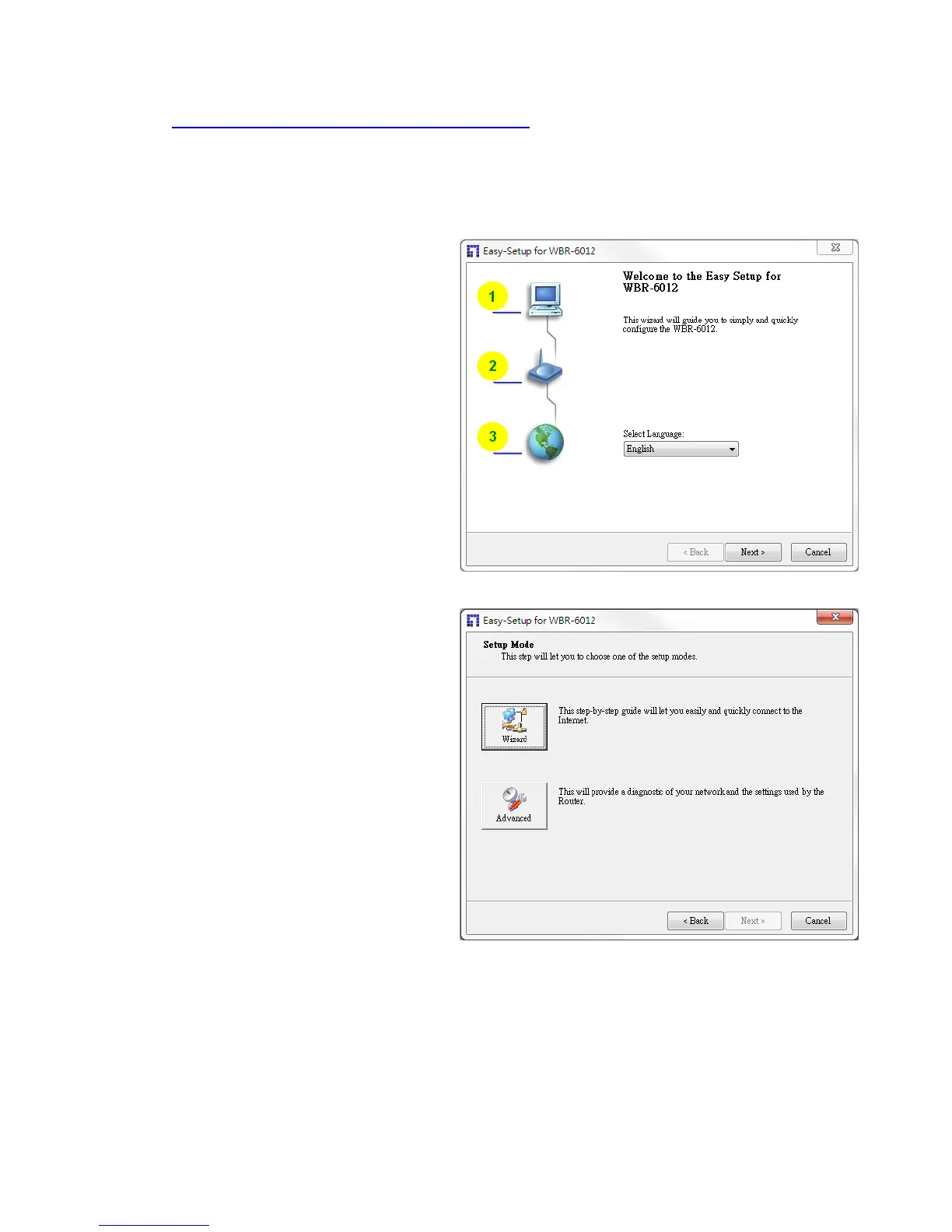
.Select Language then click “Next” for
continues.
2.2 Setup mode
You
can select Wizard mode to run the
setup step-by-step or run advanced
mode to diagnose the network settings
of the router.












 To Next Page