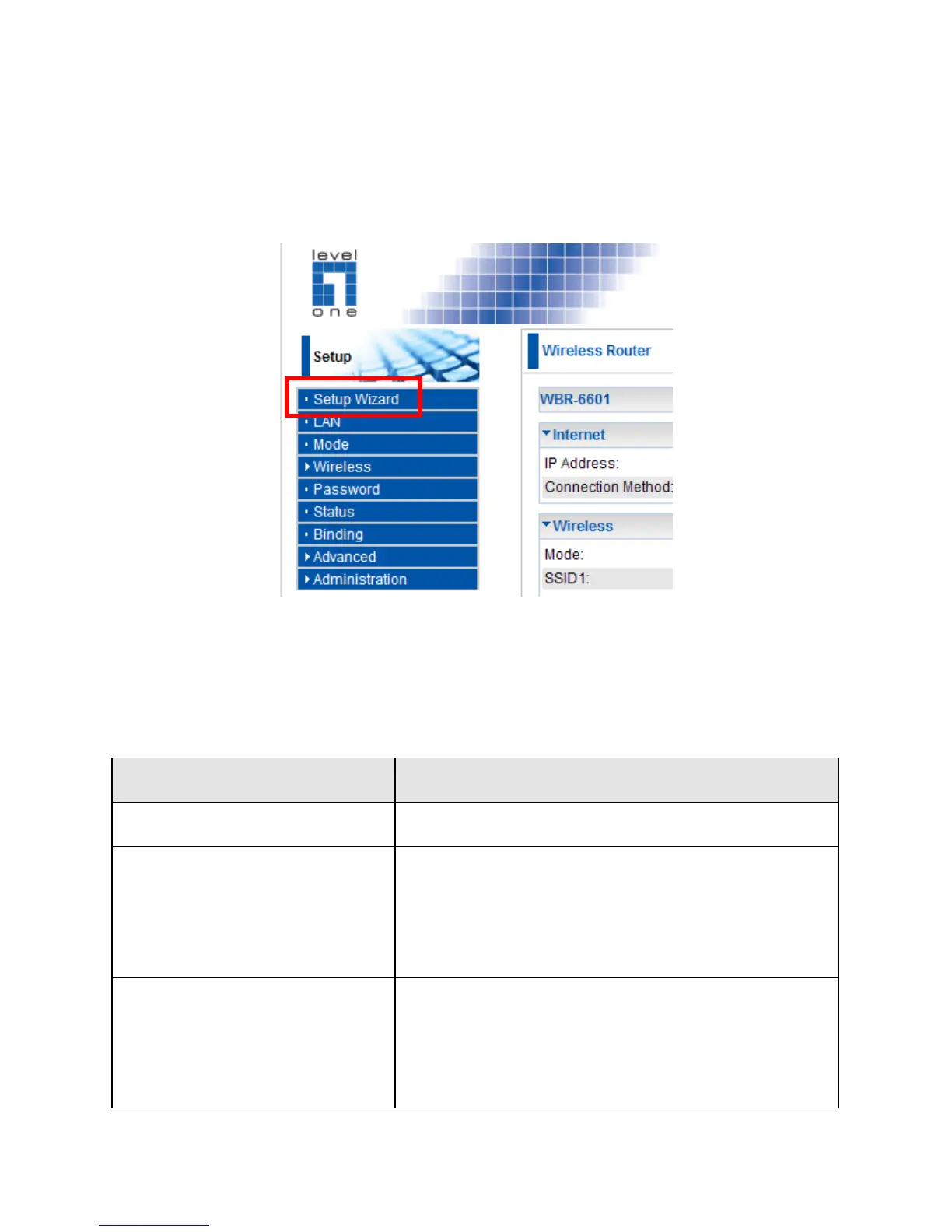
3. The first time you connect to the WBR-6601, you should run
the Setup Wizard to configure the ADSL and Internet
Connection. Click Setup Wizard on the menu.
4. Step through the Wizard until finished. Refer to the data from
your ISP, and the table below, to ensure your choices are
correct.
Static (Fixed) IP
Address
IP Address allocated to you, and
related information, such as Network
Mask, Gateway IP address, and DNS
address.
a) User name and password are
always required.
b) If using a Static (Fixed) IP address,
you need the IP address and related















 To Next Page