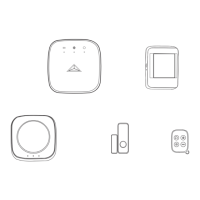
START UP :
WIRELESS SMART ALARM PACK FOR THE APARTMENT
EN
Step 1
Install the ENKI box using the instructions included in its packaging.
Step 2
Open the ENKI app and log in.
Step 3
Go back to the "My objects" tab, click on the "+" button, select the
LEXMAN brand and install the following products using the instructions
provided on the screens of the Enki application:
• Detector (s)
• Mermaid (s)
• 10A socket
Step 4
button:
• Full arming
• Partial arming
• Stop
• SOS
Step 5



 To Next Page