241
3-3. Using the audio system
3
Interior features
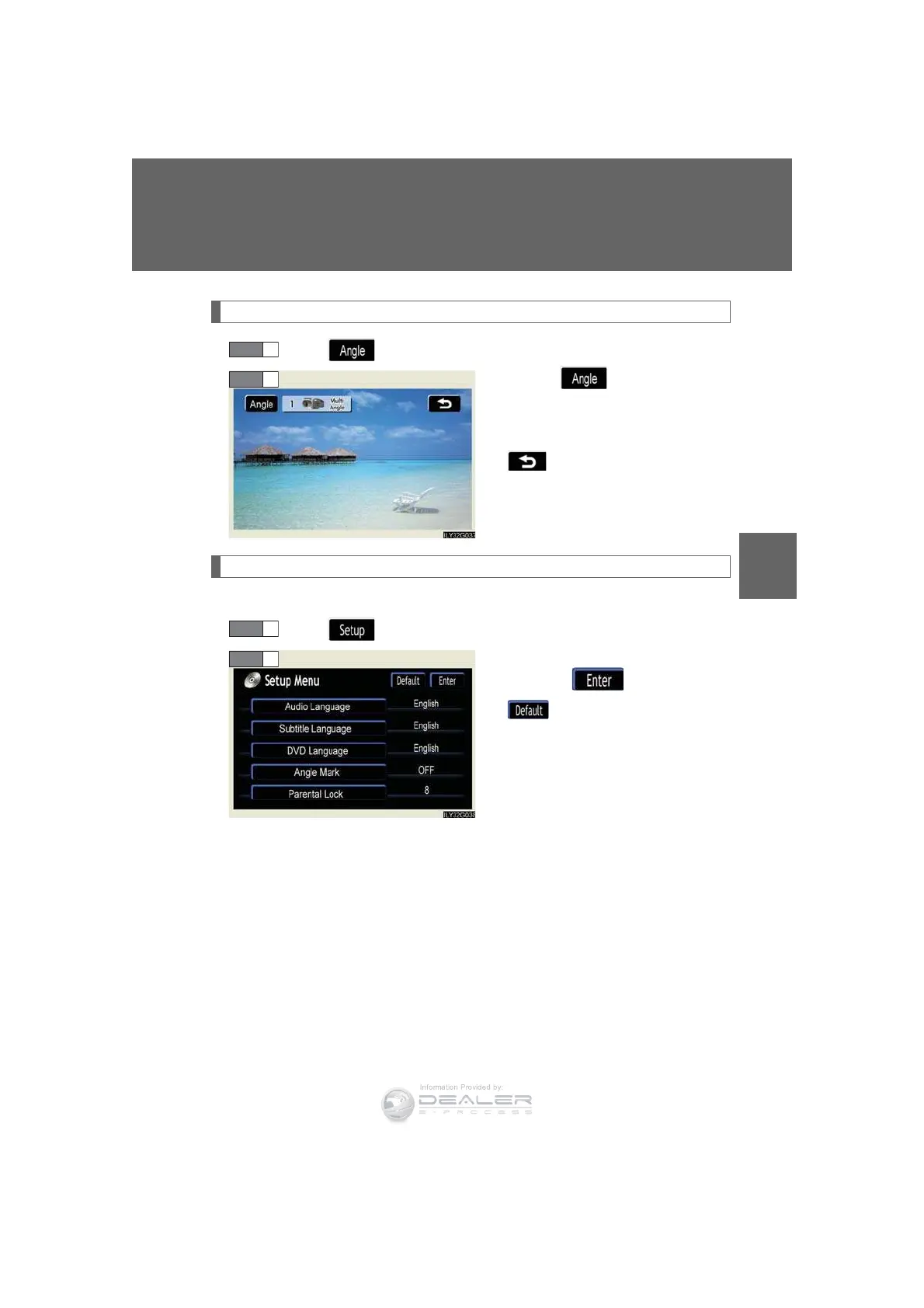
Changing the angle (If the angle option is available)
To u c h in the control icons.
Touch the button.
Each time you touch the button,
the next available angle is selected.
: returns to previous screen.
Initial DVD setup
n Displaying “Setup Menu” screen
To u c h in the control icons.
After you change the initial set-
tings, touch .
: restores default settings.
STEP 2
STEP 2













 To Next Page