269
3-4. Using the hands-free system
3
Interior features
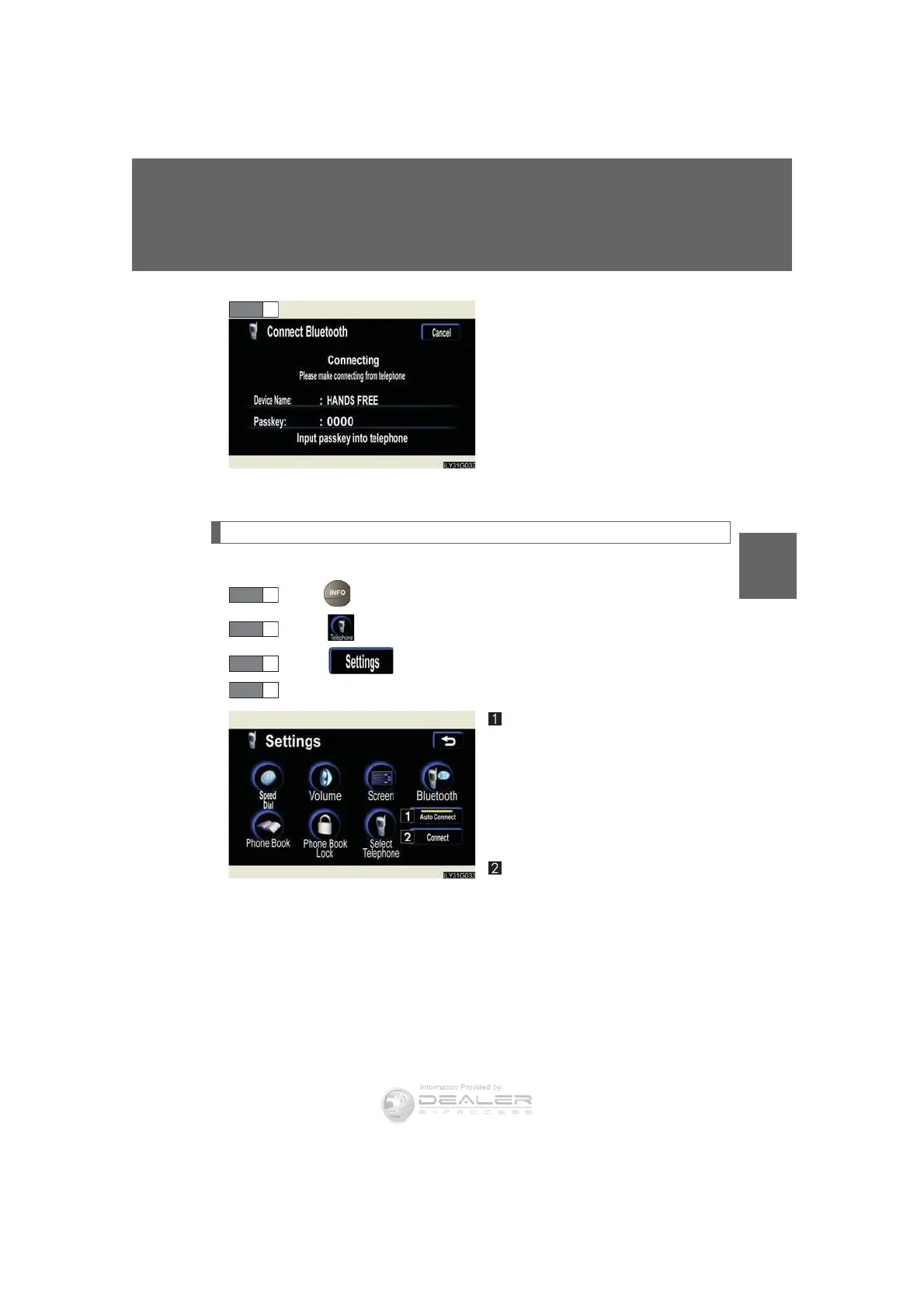
Input the passkey displayed on
screen into your phone.
If the message “Bluetooth* con-
nection successful” is displayed,
registration is complete.
If the message “Bluetooth* con-
nection failed. Please check the
“Passkey” and the settings of the
telephone” is displayed, start again
from the beginning.
Bluetooth
®
phone connection
There are two connection methods available—automatic and manual.
Press .
Touch on the “Information” screen.
Touch on the “Telephone” screen.
Choose one of the following methods.
Automatic connection
If the engine switch is in the “ACC”
or “IG-ON” mode, the system will
automatically connect to the
Bluetooth* phone. Touching auto-
matic connection will turn it ON/
OFF.
Manual connection
If automatic connection fails or is
turned OFF, connection must be
made manually.
If the message “Bluetooth* con-
nection successful” is displayed,
connection is complete.
*: Bluetooth is a registered trade-
mark of Bluetooth SIG. Inc.
STEP 6
STEP 1
STEP 2
STEP 3













 To Next Page