289
3-4. Using the hands-free system
3
Interior features
n “Show Bluetooth* connection status at startup” settings
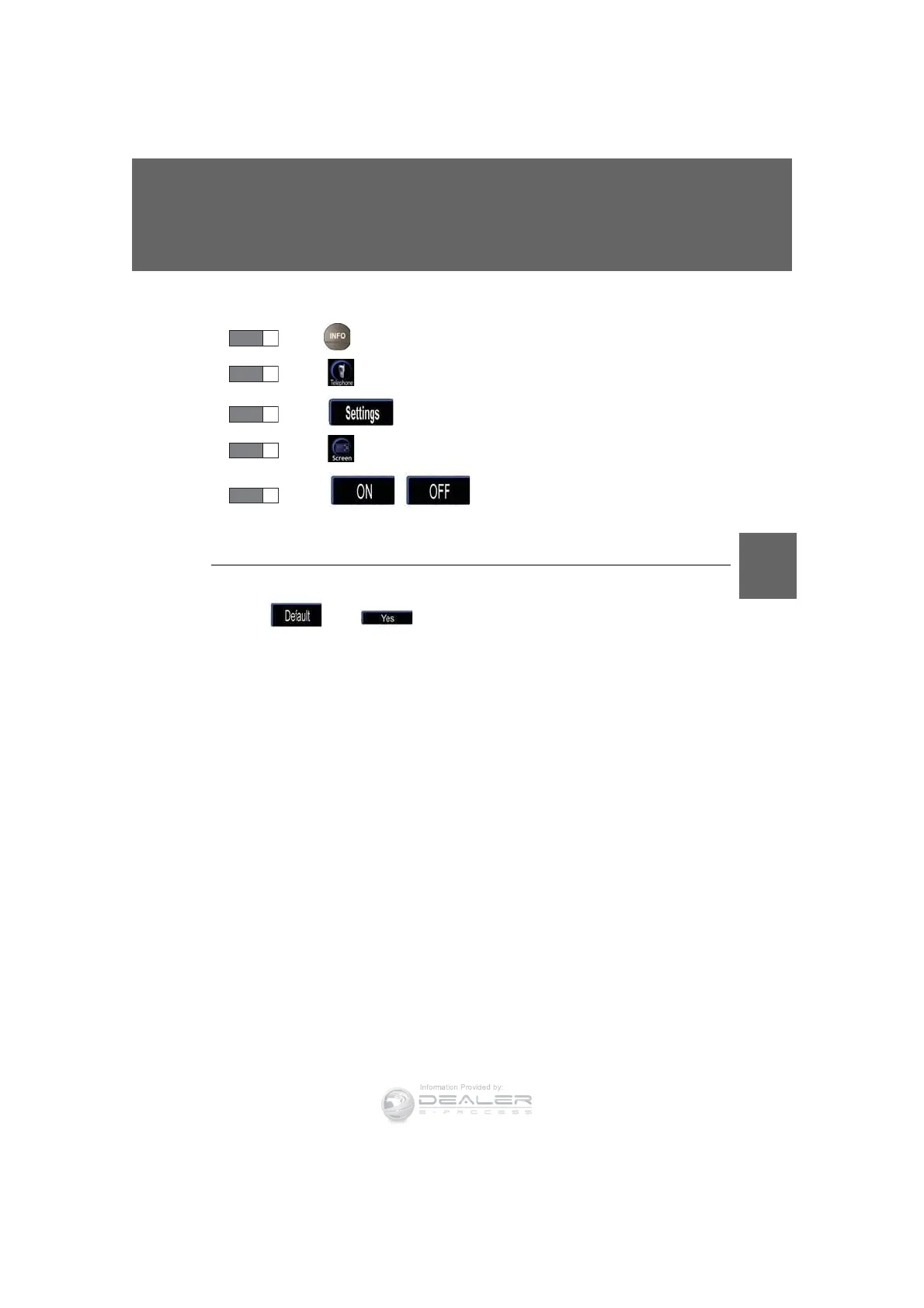
Press .
Touch on the “Information” screen.
Touch on the “Telephone” screen.
Touch on the “Settings” screen.
Touch / in the “Show Bluetooth* connection
status at startup” section of the “Screen Settings” screen.
*: Bluetooth is a registered trademark of Bluetooth SIG. Inc.
n To set the screen settings to default
Touc h , then .
STEP 1
STEP 2
STEP 3
STEP 4
STEP 5













 To Next Page