292
3-4. Using the hands-free system
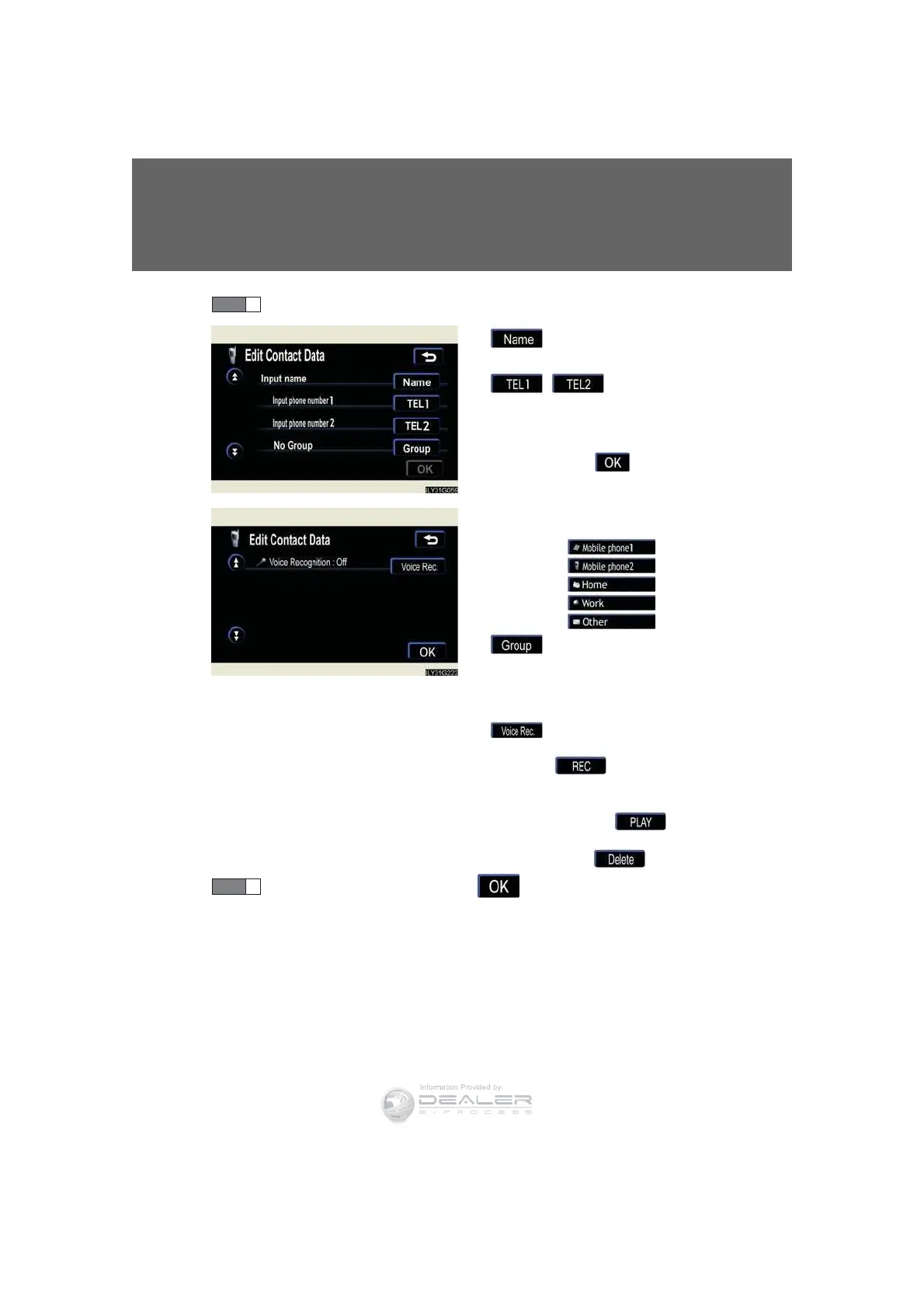
Choose the switch to register.
: Input the name on the
“Name” screen.
, :
Input the number(s) on
the “Telephone Num-
ber” screen. When you
touch , the “Select
Icon” screen will appear.
Choose the desired
icon.
•
•
•
•
•
: Select the desired group
from the “Select Group”
screen. (No Group, 01 -
09)
: Select the desired phone
number and touch
to record a
voice tag.
To play the voice tag,
touch . To
delete the voice tag,
touch .
Once input is complete, touch .
STEP 7













 To Next Page