296
3-4. Using the hands-free system
Changing the phone book group name settings
n Registering a group name
Press .
Touch on the “Information” screen.
Touch on the “Telephone” screen.
Touch on the “Settings” screen.
Touch the switch in the “Group Name” section of the
“Phone Book Management” screen.
Select the group to register (“01” - “19”).
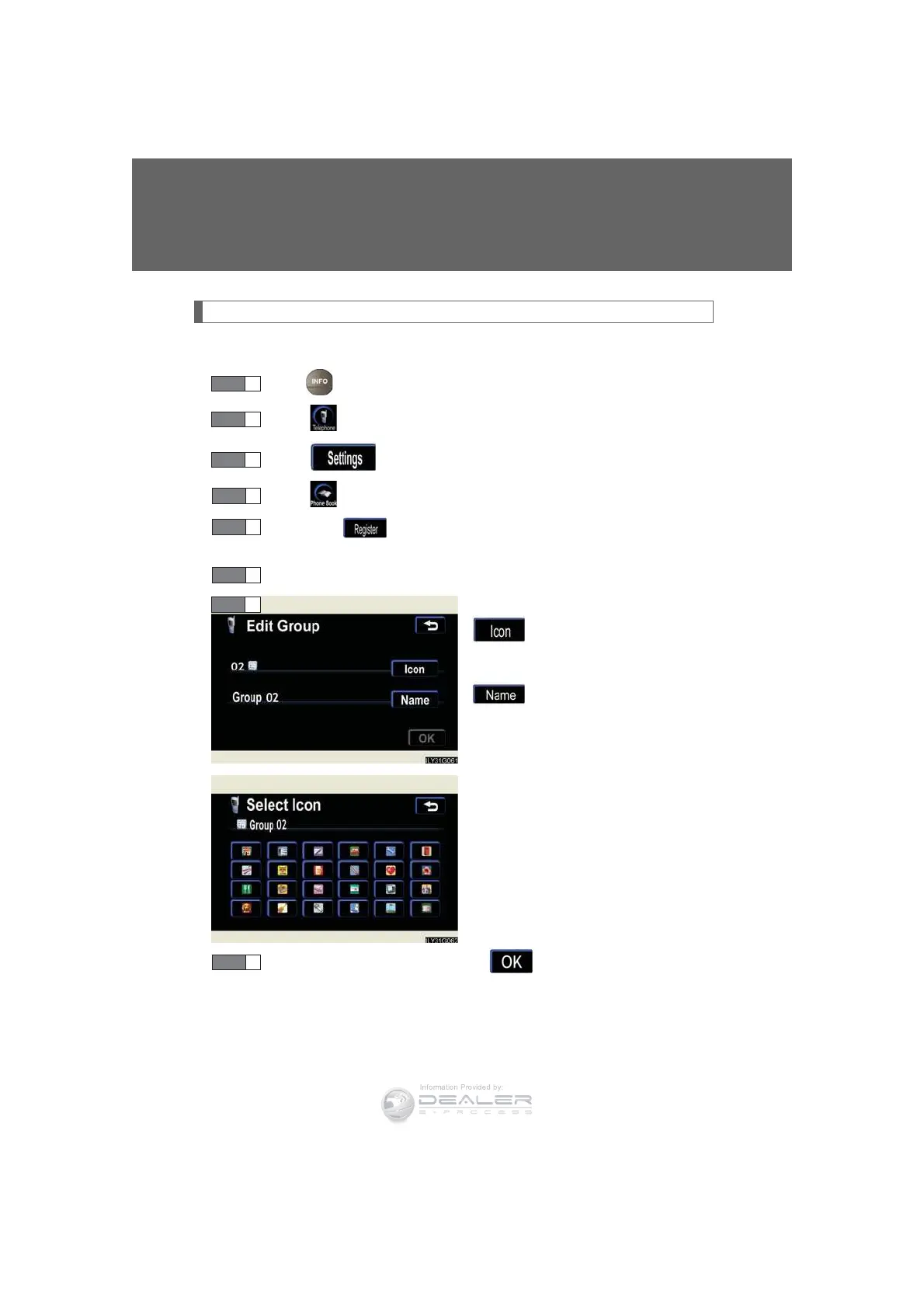
Select the switch to be edited.
: The below screen will be
displayed. Select the
desired icon.
: Input the name on the
“Name” screen.
Once editing is complete, touch .
STEP 1
STEP 2
STEP 3
STEP 4
STEP 6
STEP 7



 To Next Page