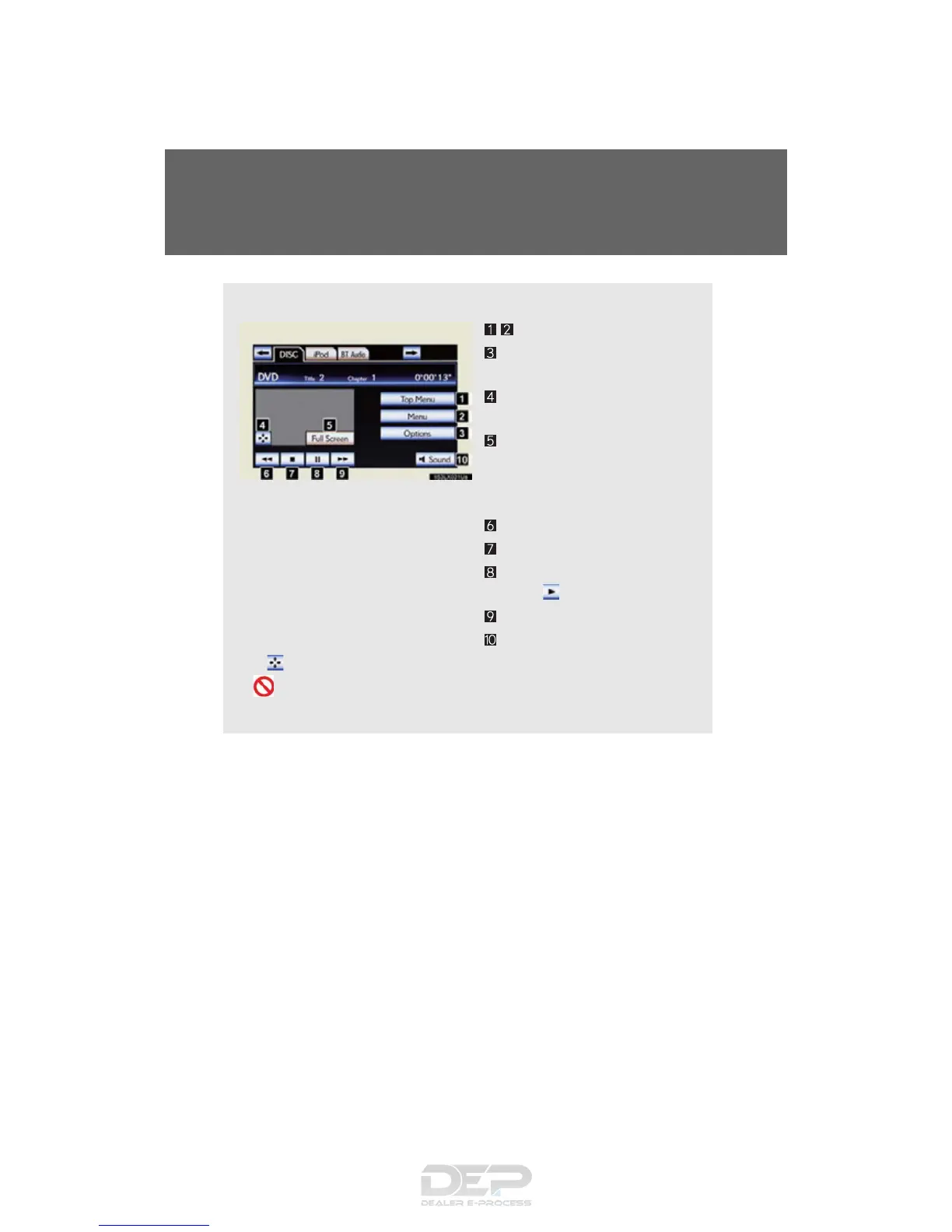
■ Control icon screen
Menu screen appears
Option screen appears
(P. 513)
Display menu control key
(P. 514 )
Vehicle is completely
stopped and the parking
brake is applied, the video
screen returns
Rewind
Stop
Pause
Touch to play
Fast forward
Setting the sound (P. 56 8 )
If is touched, while watching a DVD, the DVD controls will appear.
If appears on the screen when a control is touched the operation
relevant to the control is not permitted.



 To Next Page
 Loading...









