239
3-3. Using the audio system
3
Interior features
Using the DVD menu
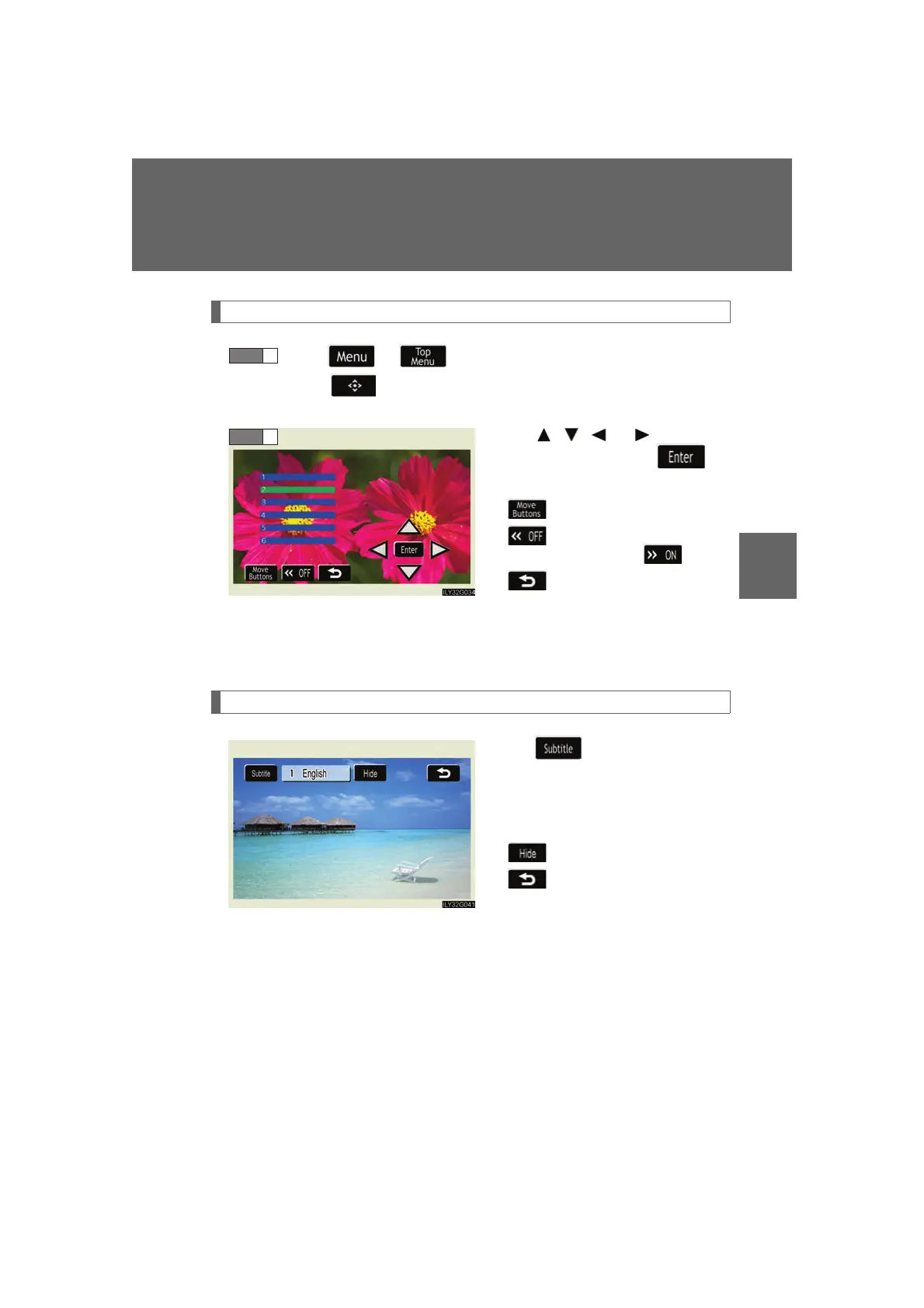
Touc h or in the control icons.
Touc h if the menu control key does not appear on the
menu screen.
Touch , , or to select a
menu item, then touch to
select.
: moves icons up or down.
: hides icons. To display
icons, touch .
: returns to previous
screen.
Note that specific items or the operating met
hod differs from one DVD to
another. Refer to the manual that comes with the DVD disc. (The above image is
an example.)
Changing the subtitle language
Touch in the control icons.
Each time you touch the button,
the ne
xt available language is
selected.
: hides the control icons.
: returns to previous screen.
STEP 1



 To Next Page