279
3-4. Using the hands-free system
3
Interior features
Touc h .
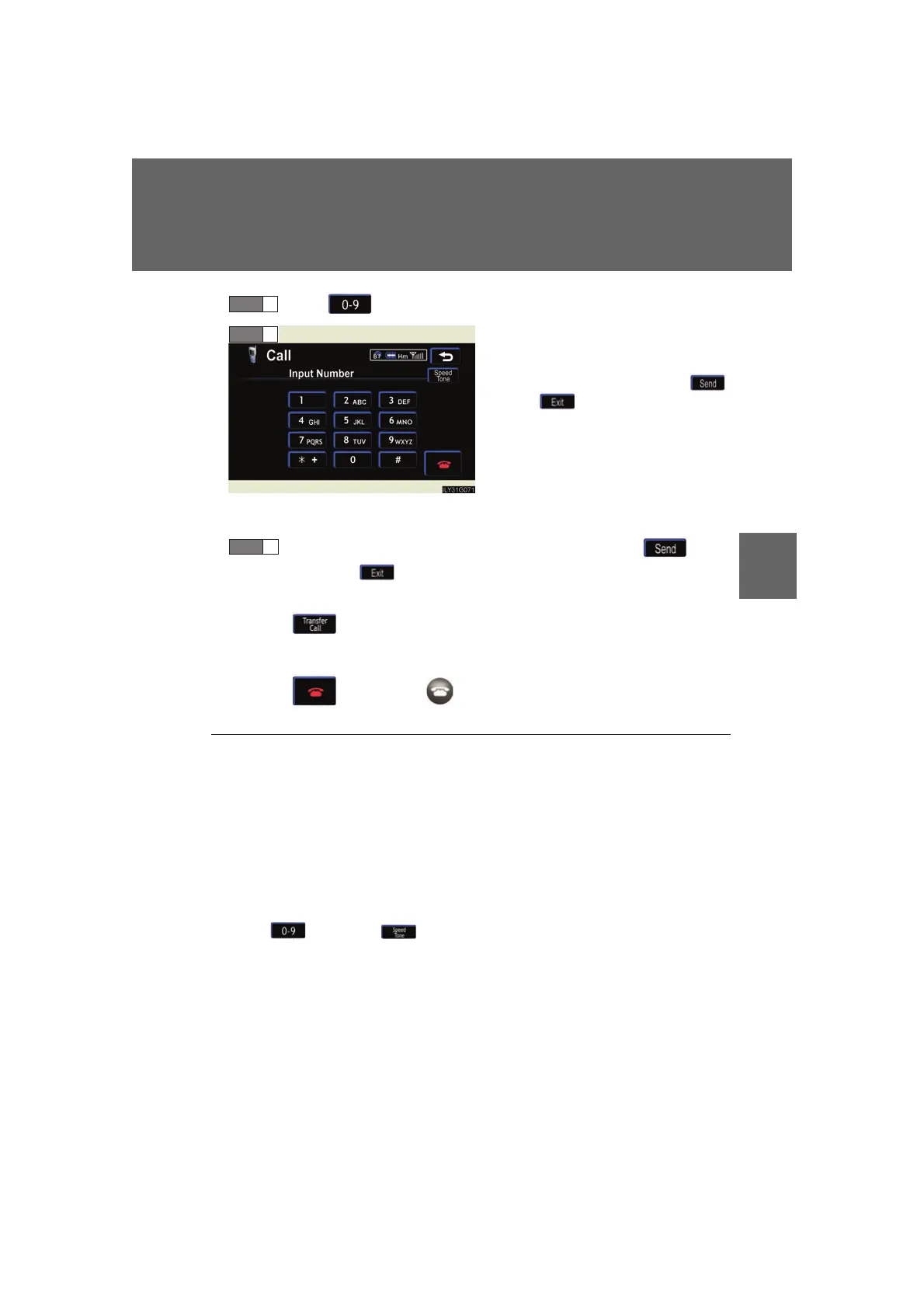
Input the number.
If repeated tone symbols* are
stored in the phone book,
and are displayed on the
right side of the screen.
*: Repeated tone symbols are sym-
bols or numbers displayed as p
or w
, that come after the phone
number.
(e.g. 056133p0123w#1
✽
)
Confirm the number displayed on screen, and touch .
If you touch , operation is completed without making a call.
■ To transfer a call
Touc h .
■ To hang up
Touc h or press the on the steering wheel.
STEP 1
STEP 2
■ Transferring calls
● It is not possible to transfer from hands-free to the mobile phone while driving.
● If you transfer from the mobile phone to hands-free, the hands-free screen will
be displayed, and you can operate the system using the screen.
● Transfer method and operation may vary according to the mobile phone used.
● For operation of the mobile phone in use, see the phone's manual.
■ To send a tone by speed tone
Touch then touch . Choose the desired number from the speed tone
list displayed.
■ While driving
Key input is unavailable.
STEP 3



 To Next Page