282
3-4. Using the hands-free system
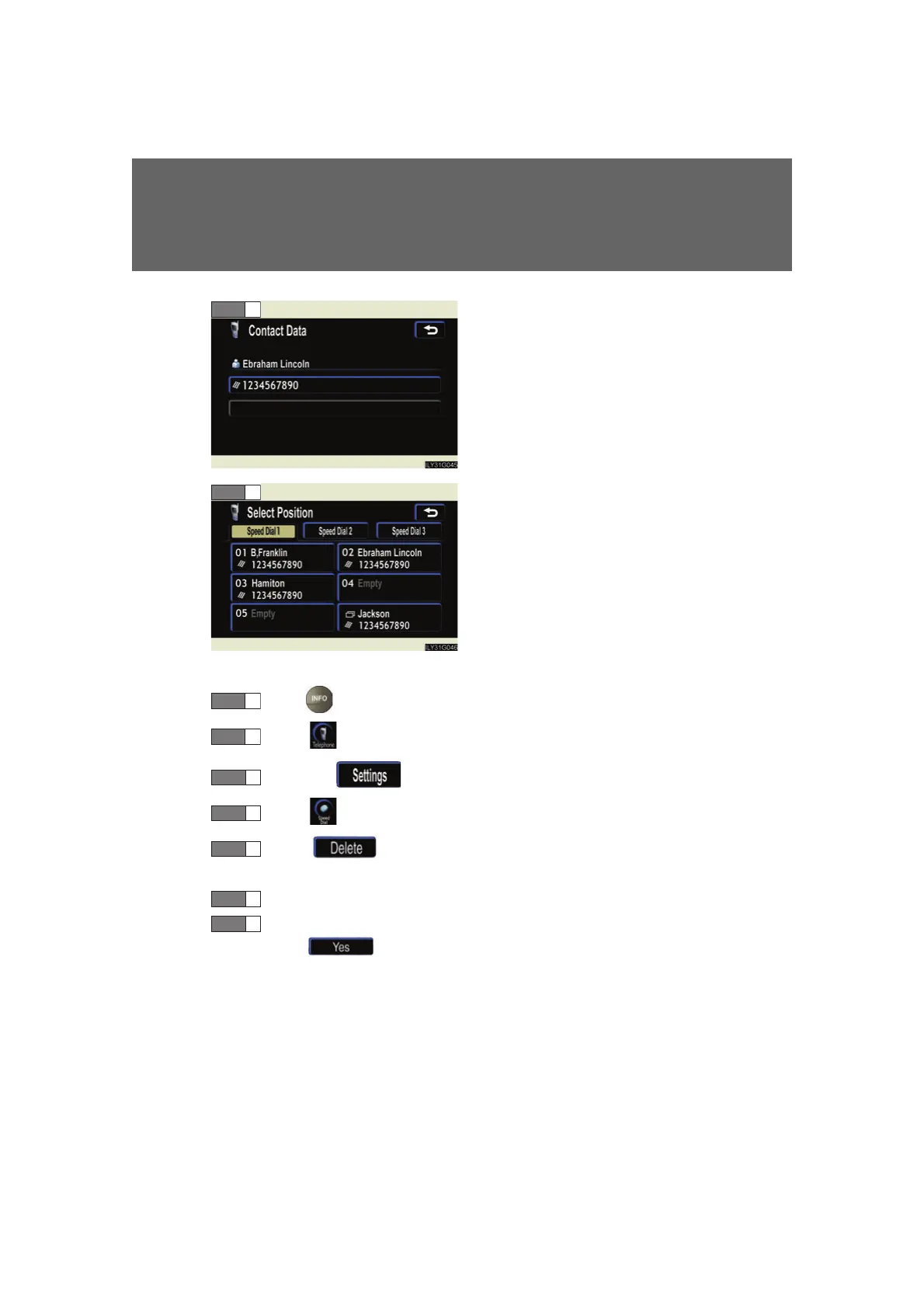
Select the number to be regis-
tered.
Press the desired switch.
The last dialed number will be reg-
istered in position 6.
■ Deleting a speed dial item
Press .
Touc h on the “Information” screen.
Touch the switch on the “Telephone” screen.
Touc h on the “Settings” screen.
Touc h in the “Speed Dial” section of the “Speed Dial
Settings” screen.
Select the data to be deleted.
A confirmation message will be display
ed. If everything is correct,
touch .
STEP 7
STEP 8
STEP 1
STEP 3
STEP 4
STEP 5
STEP 6
STEP 7



 To Next Page