287
3-4. Using the hands-free system
3
Interior features
Changing the screen settings
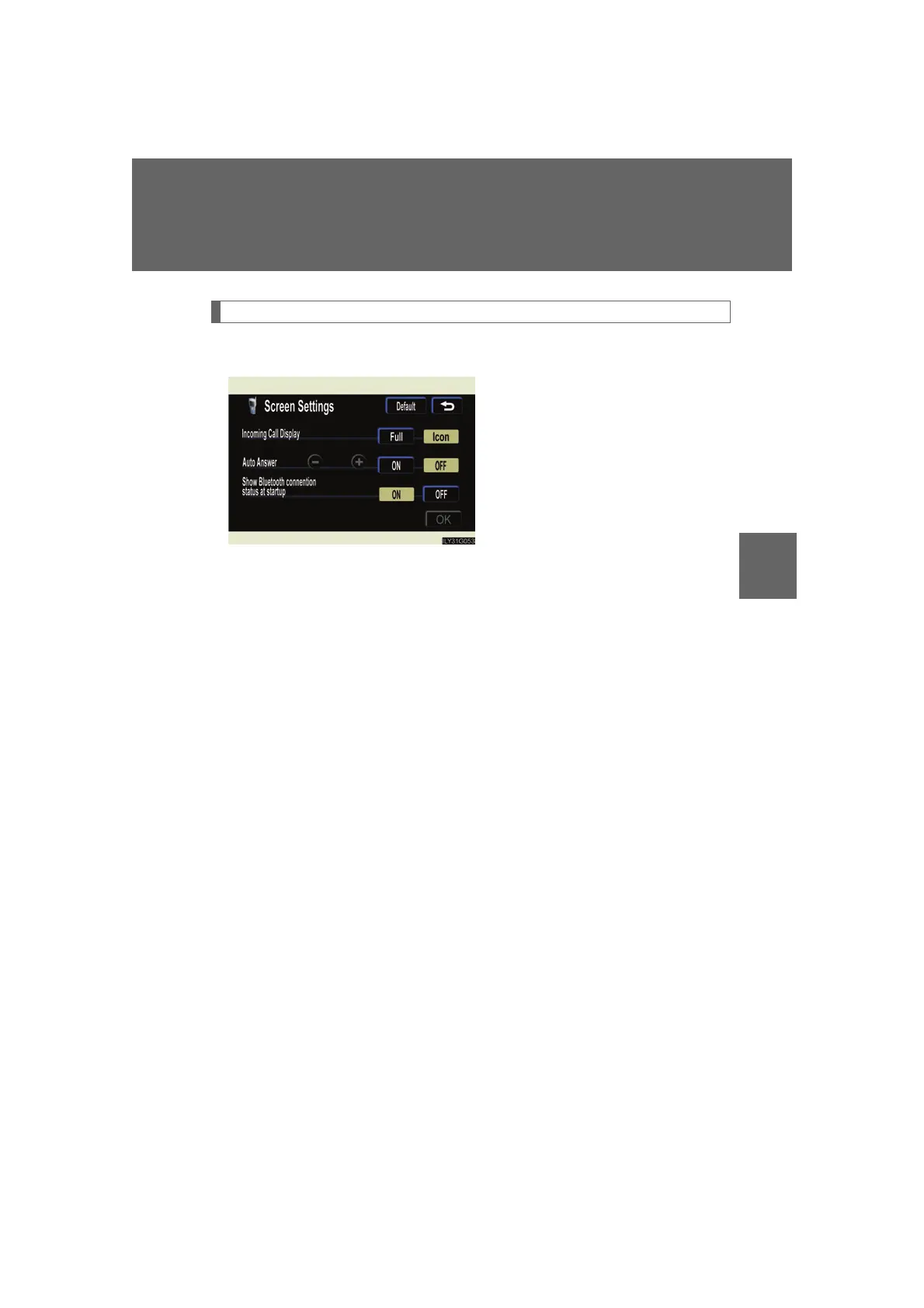
The following settings can be changed.
“Incoming Call Display”
The incoming call screen set-
tings can be changed.
“Auto Answer”
When a call is received, the sys-
tem automatically switches to
the talking screen after the set
period of time, meaning you
can speak without pressing any-
thing.
“Show Bluetooth* connection sta-
tus at startup”
You can set the system to show
the status confirmation display
when connecting.
*: Bluetooth is a registered trade-
mark of Bluetooth SIG. Inc.



 To Next Page