293
3-4. Using the hands-free system
3
Interior features
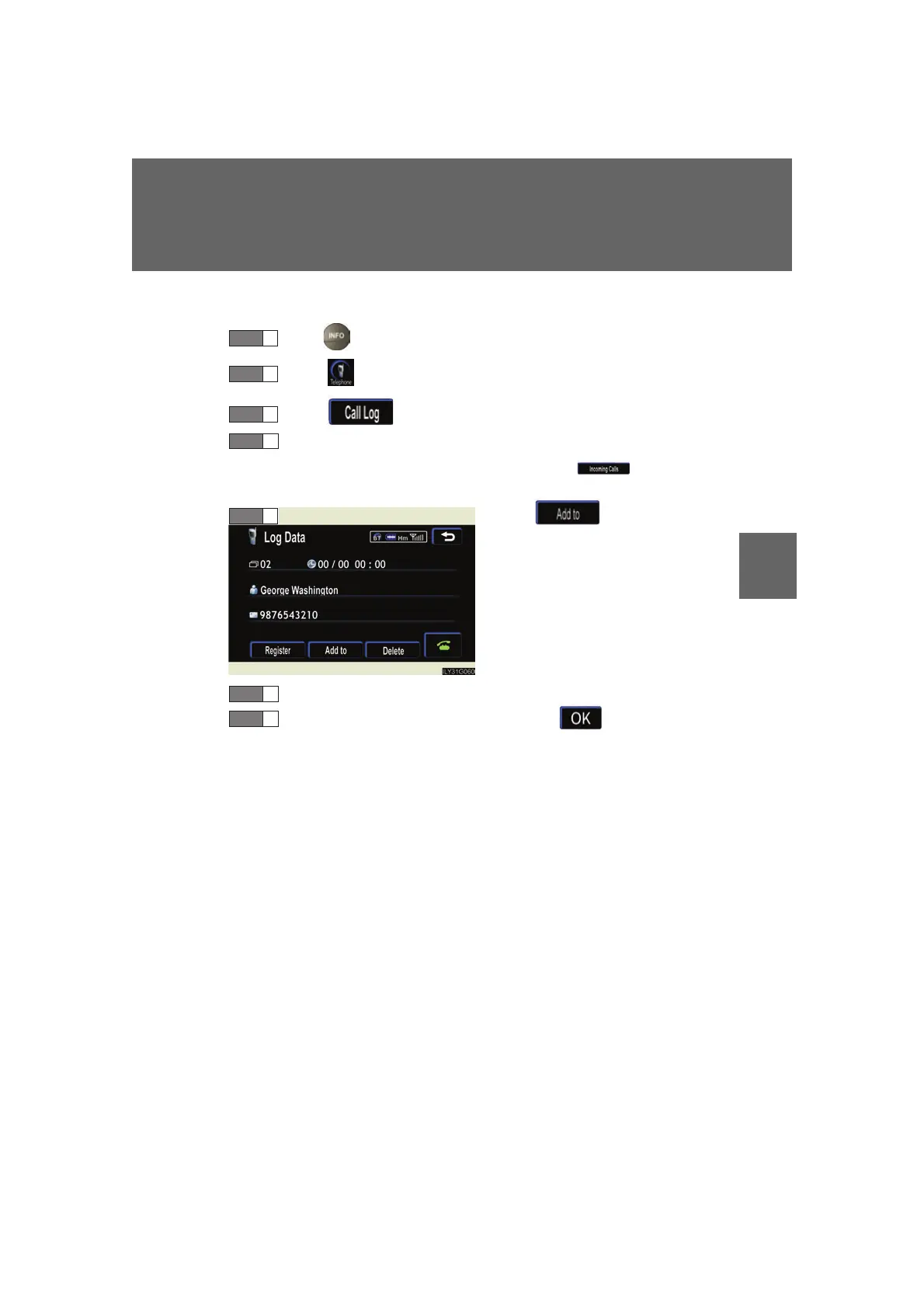
■ Add history data to a registered entry
Press .
Touc h on the “Information” screen.
Touc h on the “Telephone” screen.
Choose the desired number from the list.
To choose from the received call history, touch then select the
desired number.
Touch .
Choose the phone book entry to be added to.
Check the data to be added, then touch .
STEP 1
STEP 2
STEP 3
STEP 4
STEP 5
STEP 6
STEP 7



 To Next Page