INTERIOR EQUIPMENT
107
G14054
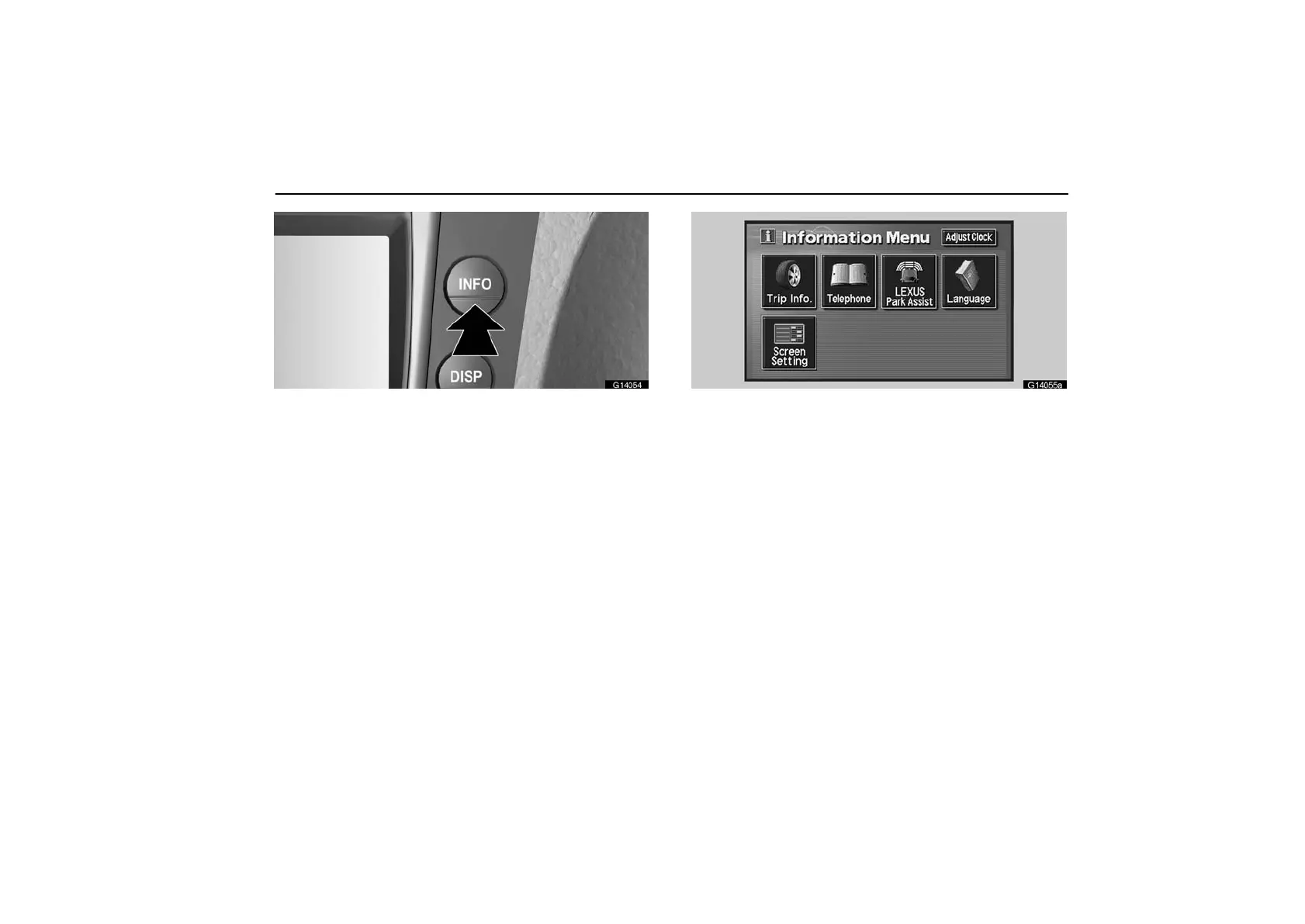
1. Push the “INFO” button to display the setting screen.
G14055a
2. Touch the “Adjust Clock” switch to display the adjust
clock screen.
When the headlight switch is turned to the first or second click
stop, the brightness of the display will be reduced.
You can brighten the display. To adjust the brightness, see
“Instrument panel light control” on page 98.



 To Next Page