TOUCH SCREEN
235
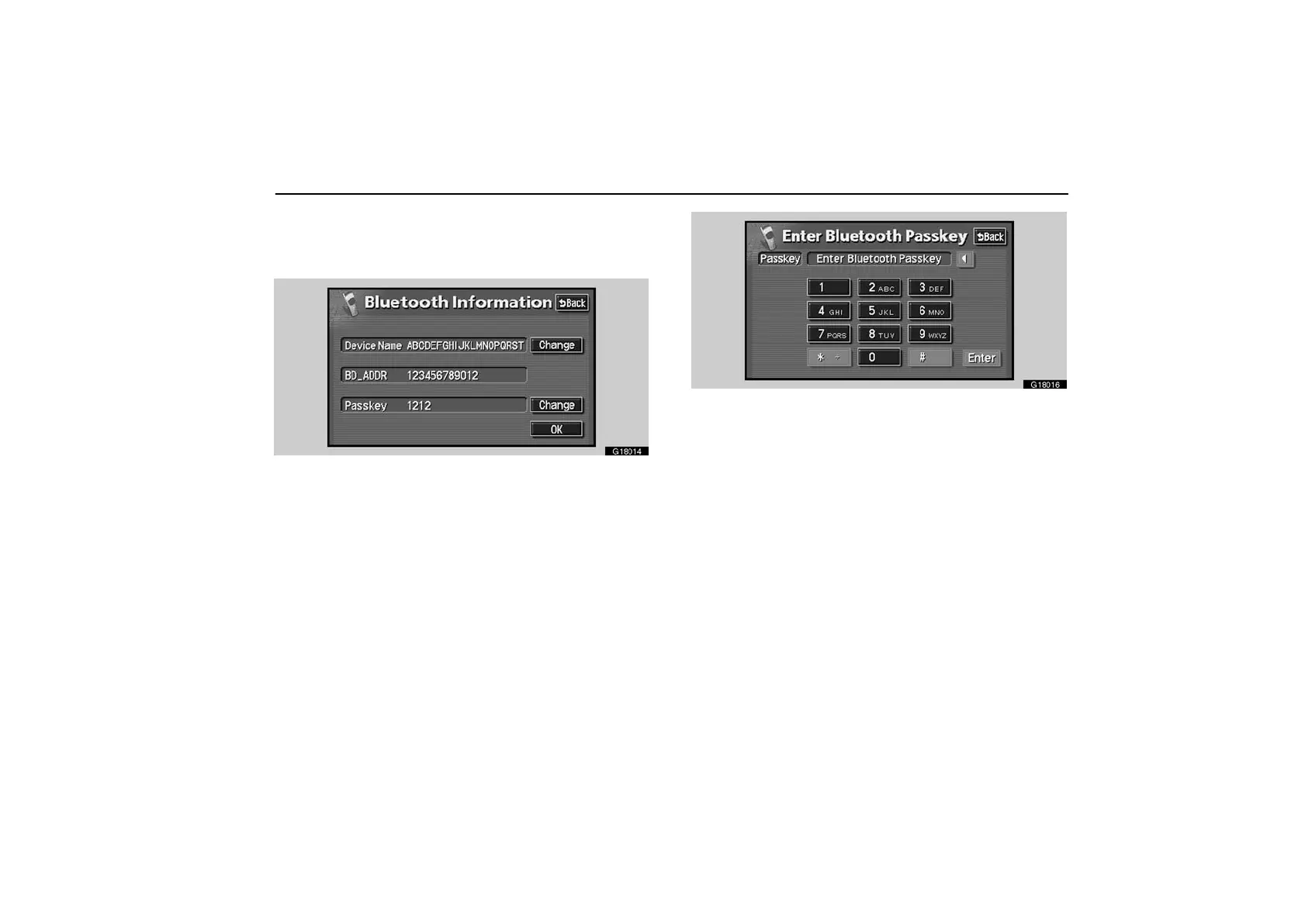
To change the Passkey—
The Passkey in the system is initially fixed. You can
change the Passkey within 4−8 figures.
G18014
Touch the “Change” switch of Passkey to display “Enter
Bluetooth Passkey” screen.
G18016
Touch the desired key to input the Passkey.
Each time you touch “”, an inputted number is deleted.
Touch “Enter”.



 To Next Page