TOUCH SCREEN
237
(d) Calling on the Bluetooth phone
After you enter the Bluetooth phone, you can call by using
hands−free system. This system has 6 methods below by
which you call.
By dial—
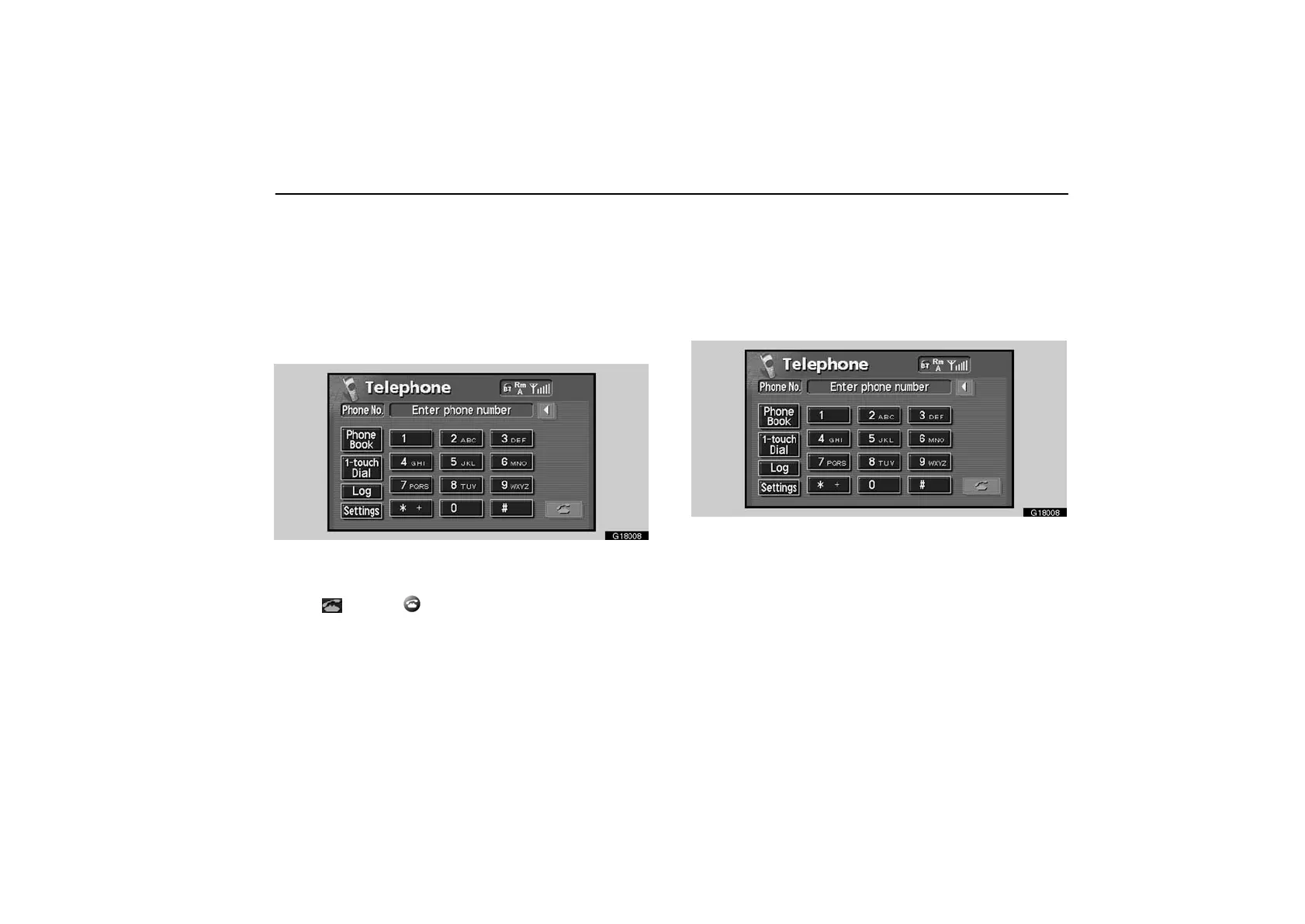
You can call by inputting the telephone number.
This cannot be operated while you are driving.
G18008
Touch the desired key to input the telephone number.
Each time you touch “”, an inputted number is deleted.
Touch “
” or push of the telephone button.
By phone book—
You can call by phone book data which is transferred from
your cellular phone.
The system has two phone books. You can register up to
500 numbers in each book.
This cannot be operated while you are driving.
G18008
Touch the desired key to input the telephone number.
1. Touch the “Phone Book” switch to display “Phone
Book” screen.



 To Next Page