TOUCH SCREEN
247
G18027
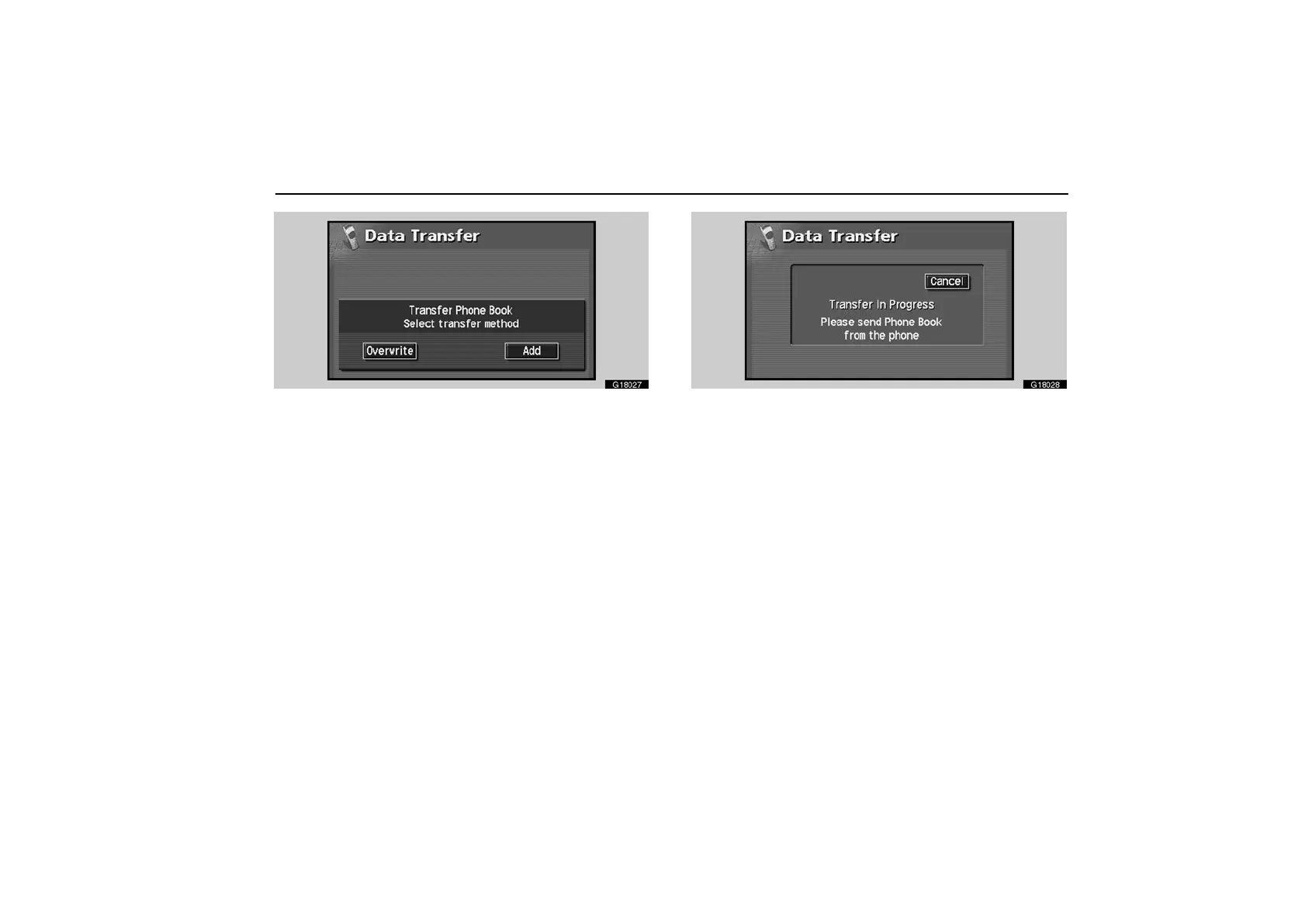
2. Touch the “Overwrite” or “Add” switch.
G18028
3. Transfer the phone book data to the system using the
Bluetooth phone.
This screen appears while transferring. To cancel it, touch the
“Cancel” switch. If the transferring is interrupted on the way,
the phone book data transferred until then can be memorized
in the system.



 To Next Page