AUDIO
298
G22016
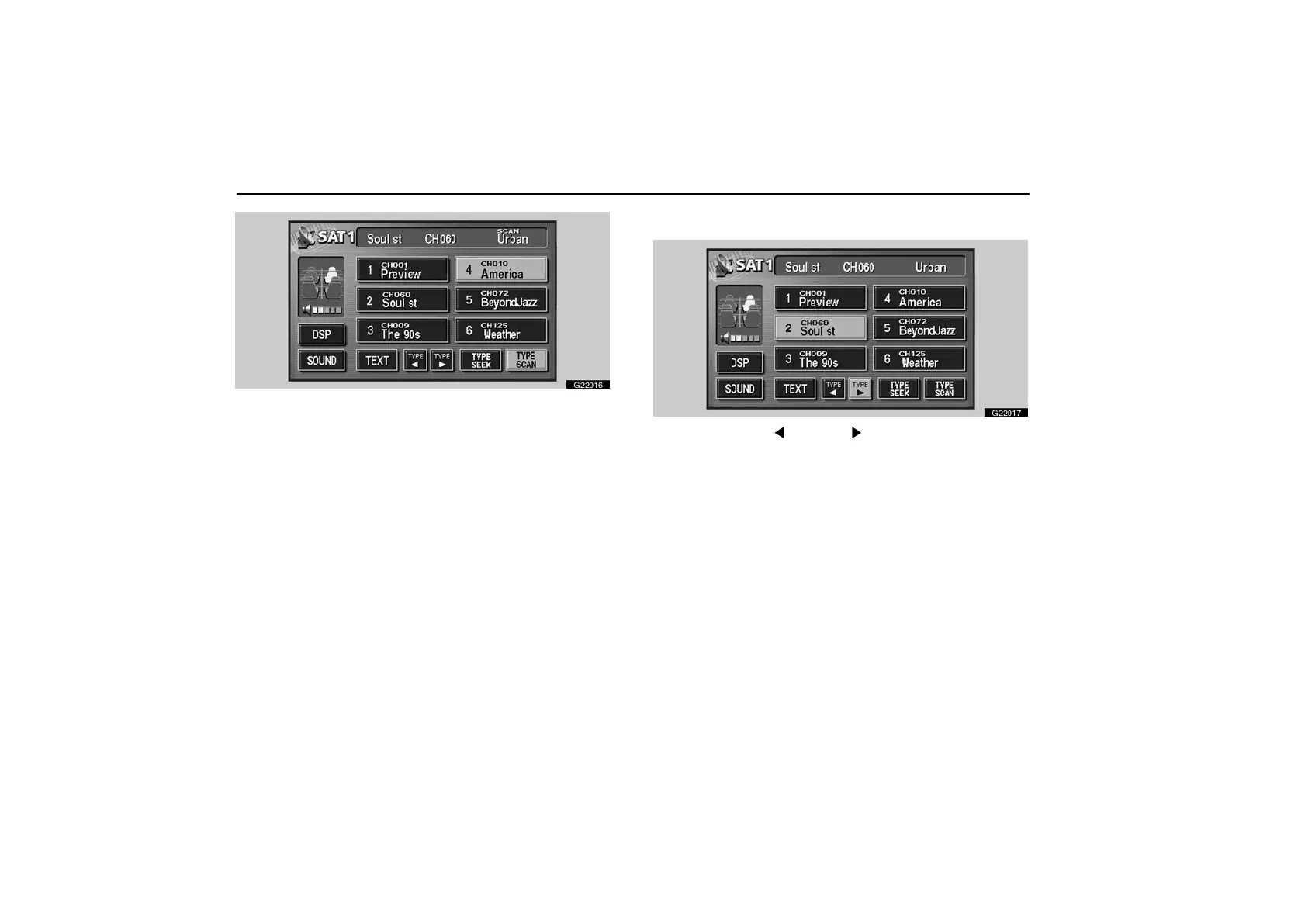
To scan the currently selected channel category: Touch the
“TYPE SCAN” switch or push the “SCAN” button briefly.
“SCAN” appears on the display. The radio will find the next
channel in the same channel category, stay there for a few
seconds, and then scan again. To select a channel, push the
“SCAN” button a second time.
To scan the preset channels: Touch the “TYPE SCAN”
switch or push the “SCAN” button and hold it until you hear a
beep. “P.SCAN” appears on the display. The radio will find the
next preset channel, stay there for a few seconds, and then
move to the next preset channel. To select a channel, push the
“SCAN” button a second time.
(f) Channel category
G22017
Touch either “TYPE ” or “TYPE ” switch to switch to the next
or previous category.



 To Next Page