AUDIO
313
DVD player operation (For a Mark Levinson
brand audio system)
The DVD player can play audio CDs, DVD video discs and
video CDs.
For appropriate discs for this paper, see “Audio system
operating hints” on page 339.
For safety reasons, you can enjoy DVD video discs and video
CDs only when the vehicle is completely stopped with the
engine switch in “ACC” or “IG−ON” mode and the parking
brake applied. While you are driving, you can hear audio alone
even in the DVD video or video CD mode.
The DVD player can play the discs labeled as shown below.
(a) Inserting or ejecting discs
The engine switch must be in “ACC” or “IG−ON” mode.
Your automatic changer can store up to 6 discs.
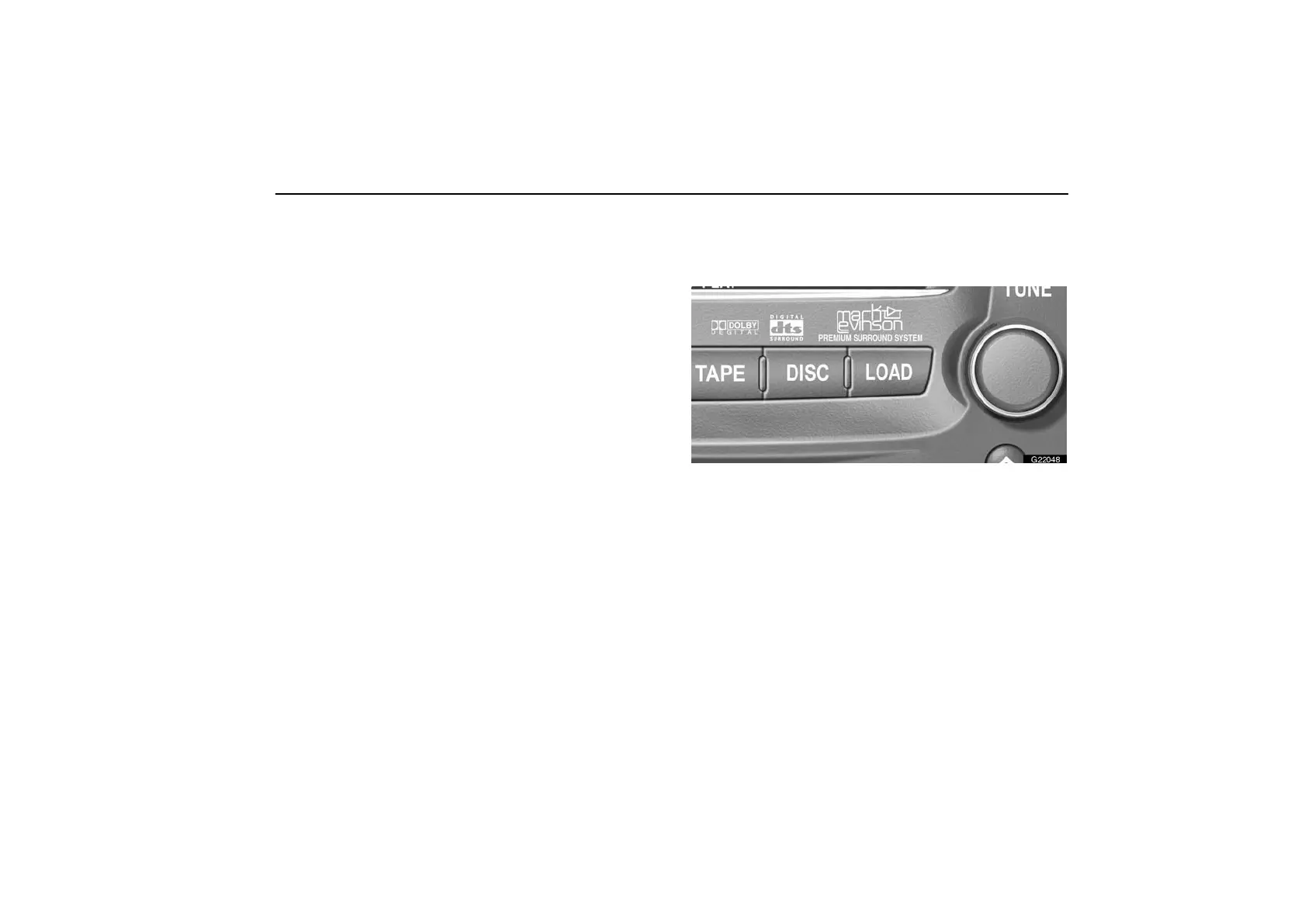
G22048
Setting a single disc:
1. Push the “LOAD” button briefly.
The green indicators at both ends of the slot start blinking and
“WAIT” appears on the display. After the blinking indicators
stay on and the “WAIT” changes to the “LOAD”, the DVD door
opens.



 To Next Page