AUDIO
319
When the switch is touched, the system selects a track in the
disc you are currently listening to. To cancel it, touch the switch
once again.
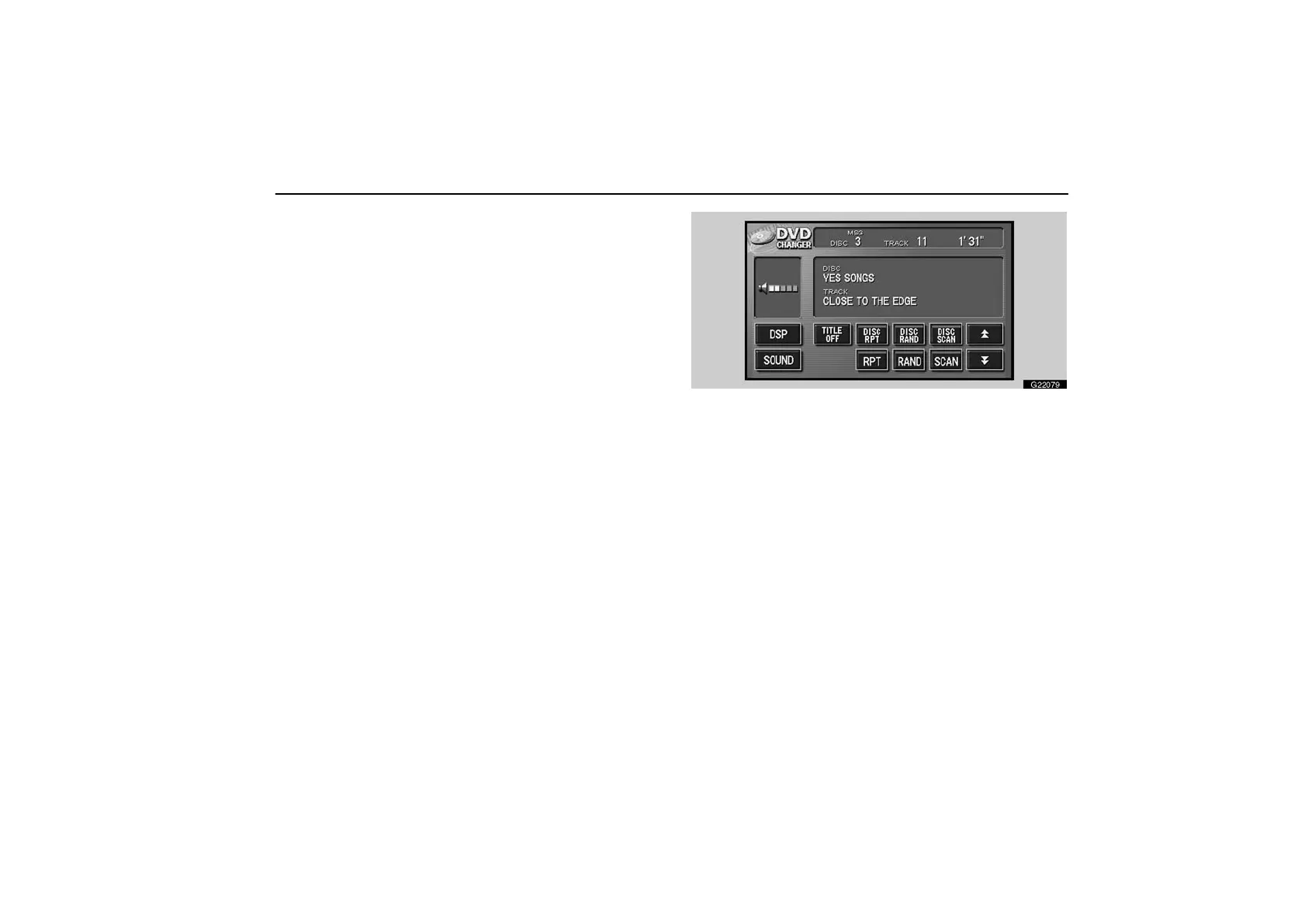
“DISC RAND” switch: Use it for automatic track selection for
all the audio discs and play by the system.
When the switch is touched, the system selects a track in all
the audio discs which are set and plays it. To cancel it, touch
the switch once again.
“TITLE” switch: Use it for displaying the disc title and track
title while the CD−TEXT disc is playing.
G22079
Up to 29 letters can be displayed. “NO TITLE” is displayed
while the CD−TEXT disc is not playing. To cancel it, touch the
“TITLE OFF” switch.



 To Next Page