AUDIO
324
Selecting a menu item—
G22035
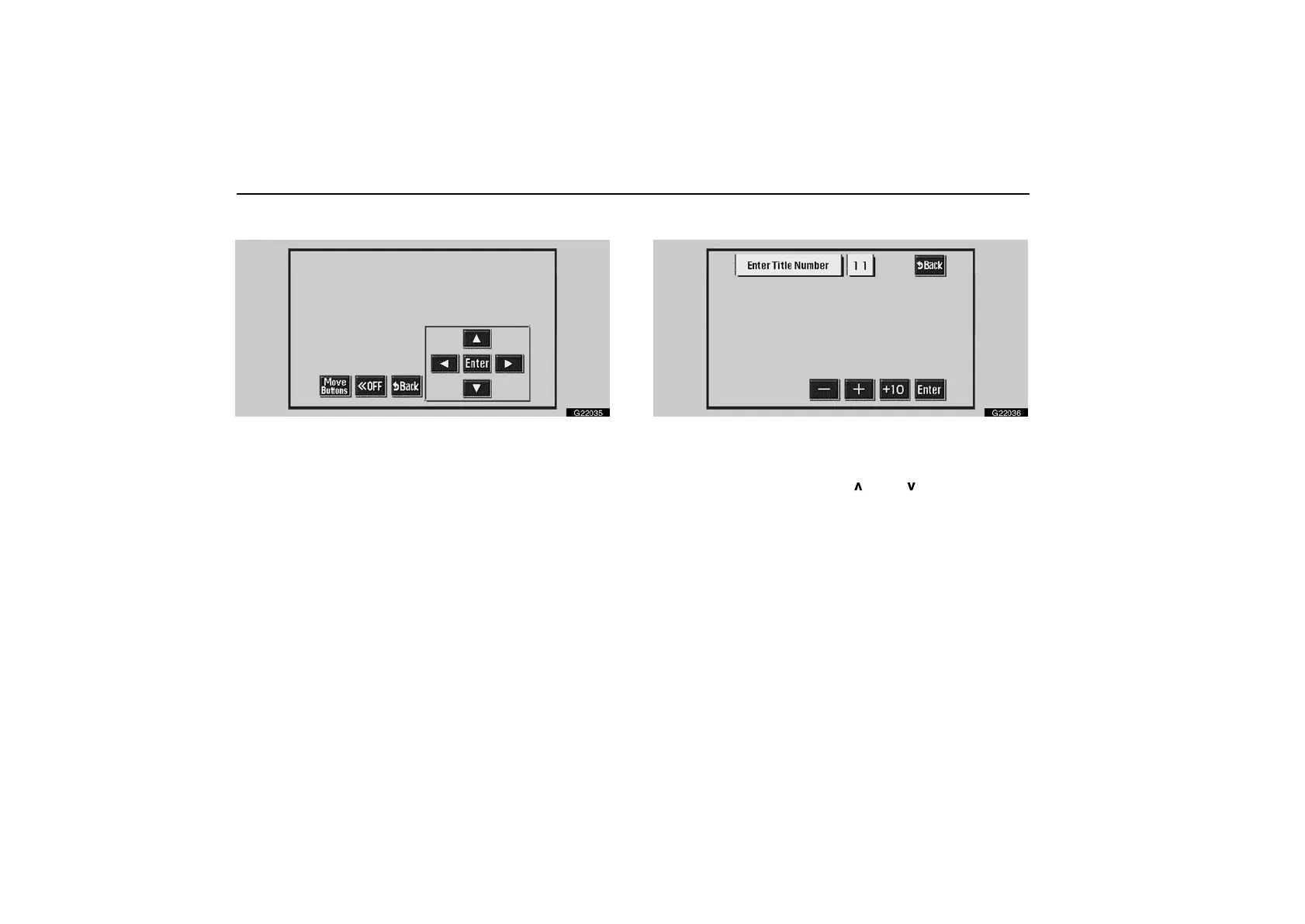
Enter the menu item using “”, “”, “” or “” switches
and touch “Enter”. The player starts playing video for that
menu item. (For details, see the manual that comes with
the DVD video disc provided separately.)
Each time you touch“Move Buttons” switch, the switches
on the screen move upward and downward.
When you touch “OFF” switch, the displayed switches are not
displayed. To display them again, touch “ON” switch.
Touch “Back”, and the previous screen returns.
Searching by title—
G22036
Enter the title number using “–”, “+” and “+10” switches
and touch “Enter”. The player starts playing video for that
title number.
When you push “SEEK TRACK
” or “ ” button, you can
select a chapter.
Touch “Back”, and the previous screen returns.



 To Next Page