AUDIO
328
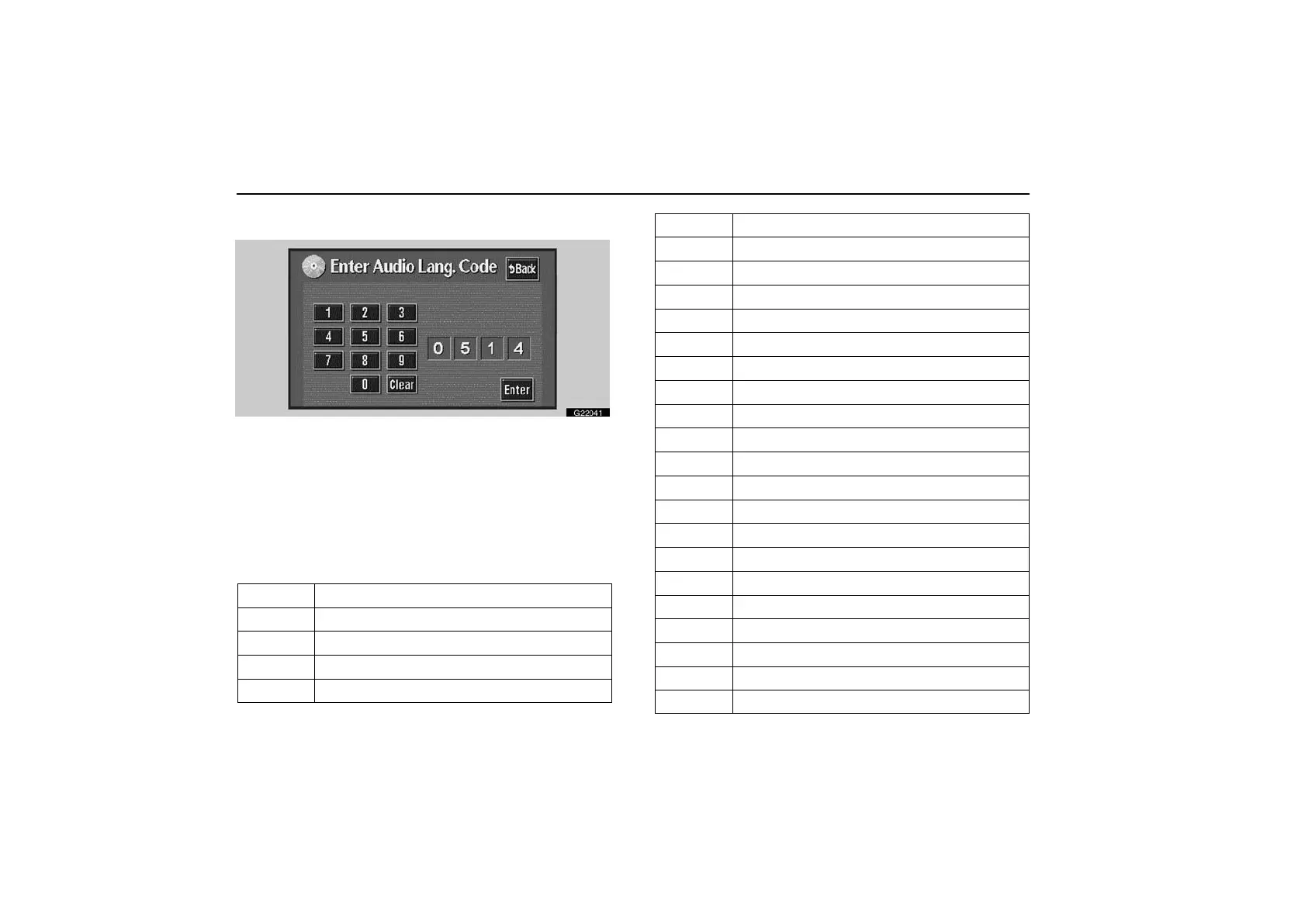
Entry of language code—
G22041
If you touch “Others” on the “Select Audio Lang.” screen,
“Select Subtitle Lang.” screen or “Select DVD language”
screen, you can select the language you want to hear or
read by entering a language code.
1. Touch the numbers of the language code.
If you enter the wrong numbers, touch “Clear” to delete
the numbers.
2. Touch “Enter”.
Code
Language
1001 Japanese
0514 English
0618 French
0405 German
0920 Italian
0519 Spanish
2608 Chinese
1412 Dutch
1620 Portuguese
1922 Swedish
1821 Russian
1115 Korean
0512 Greek
0101 Afar
0102 Abkhazian
0106 Afrikaans
0113 Amharic
0118 Arabic
0119 Assamese
0125 Aymara
0126 Azerbaijani
0201 Bashkir
0205 Byelorussian
0207 Bulgarian
0208 Bihari



 To Next Page