AUDIO
332
(f) Operating a video CD
Playing a video CD—
G22065
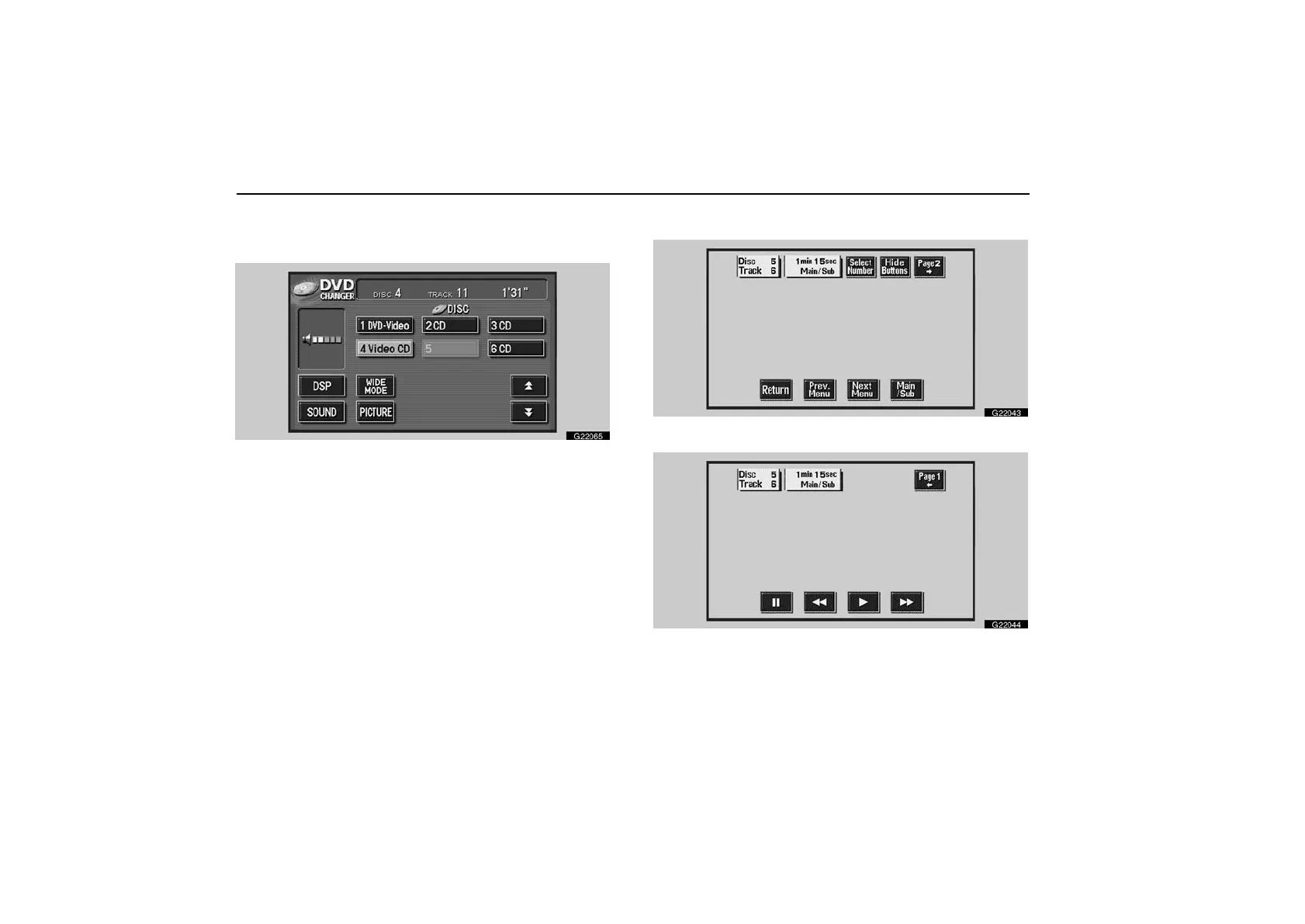
Push the “AUDIO” button to display this screen. You can
operate the switches and choose the number of the disc
you want to play.
When you touch the “WIDE MODE” switch, the screen mode
can be changed.
When you touch the “PICTURE” switch, the video screen
returns.
Displaying operation switches—
G22043
G22044
If you touch the part where switches are not located while you
are watching video on the video CD, video CD operation
switches will appear.



 To Next Page