AUDIO
334
Switches on second page
“
” switch: Use this switch to pause the video screen.
When you touch this switch again, the video screen advance
frame by frame.
“” switch: Touch this switch to fast reverse during
playback.
“” switch: Touch this switch during pause to resume
playing.
“” switch: Touch this switch to fast forward during the
playback and start playing slowly during pause.
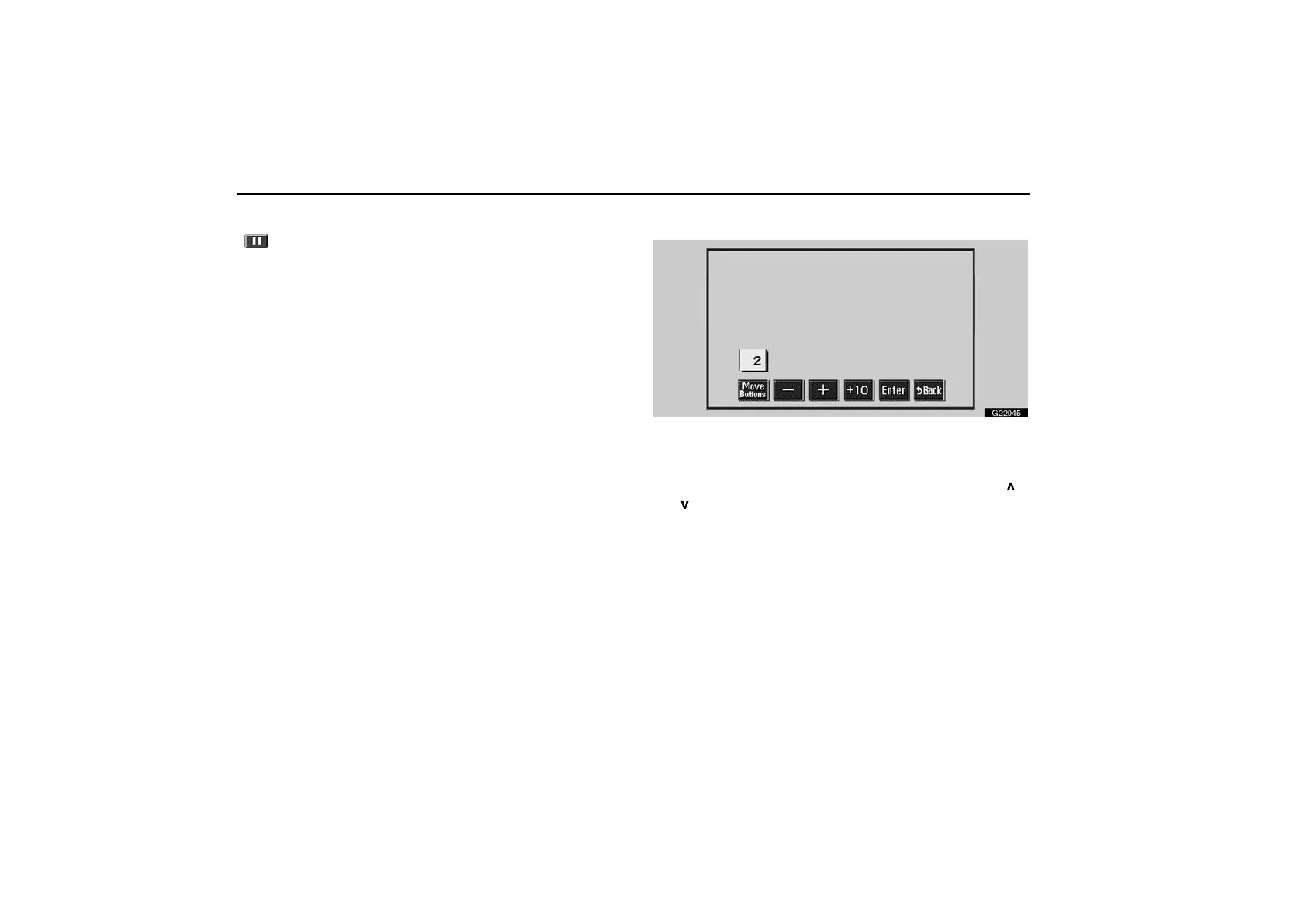
Searching by track—
G22045
Enter the track numbers using “–”, “+” and “+10”
switches and touch “Enter”. The player starts playing
video for that title number.
You can select a track number by pushing “SEEK TRACK
”
or “
” button.
Touch “Back”, and the previous screen returns.



 To Next Page