STARTING AND DRIVING
374
G31052
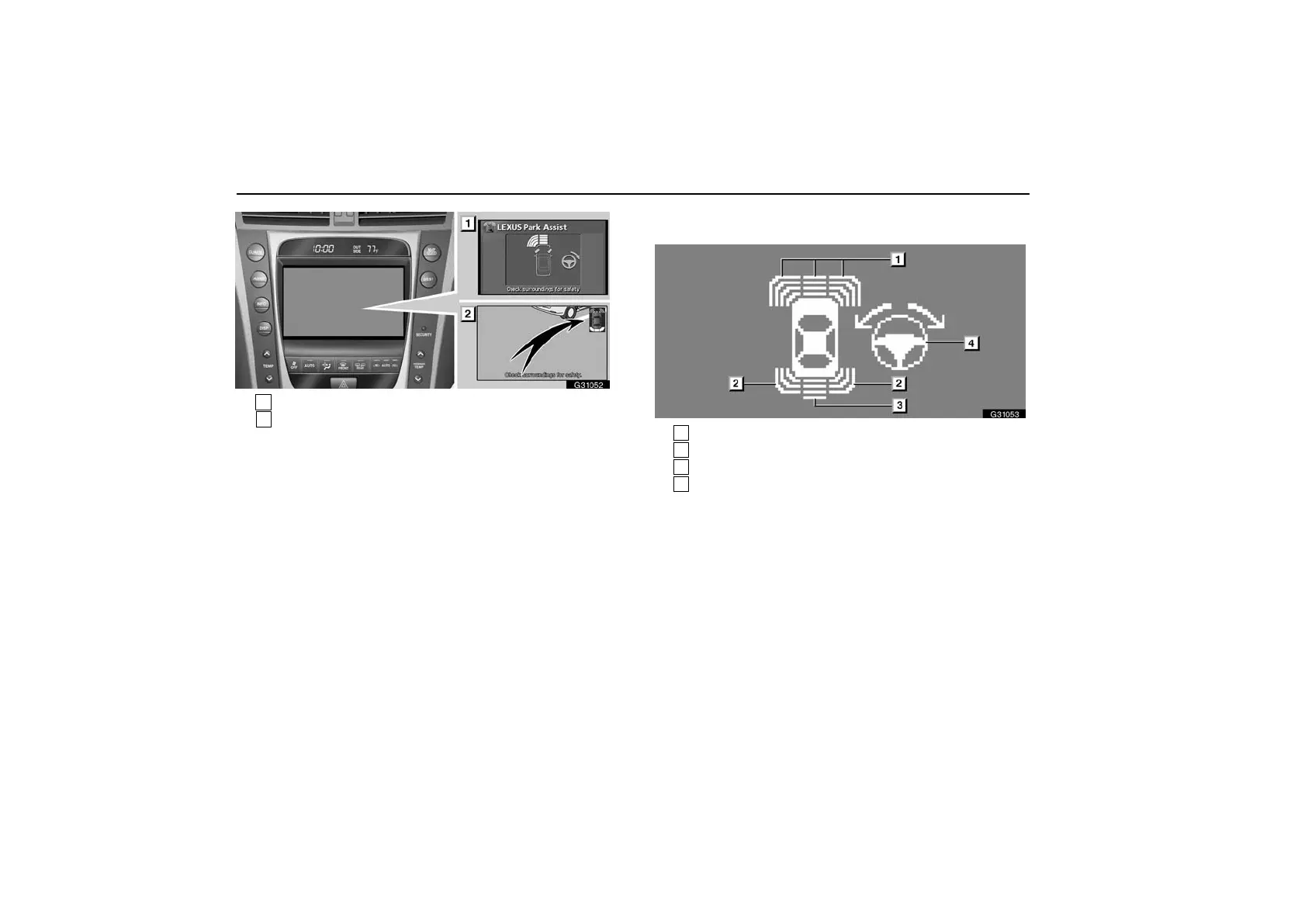
1
Touch screen (full screen display)
2
Touch screen
(vehicles with rear view monitor system)
(For details, see page 388.)
When an obstacle is detected, the indicator bars will come
on or flash, accompanied by beeping. How many bars are
lit or flashing depends on the distance to the obstacle.
When the obstacle is not detected any longer, beeps will stop
sounding and the multi−information display and the screen will
return to the previous display.
The volume of the beeps and the display on the screen can be
changed. See “Setting the intuitive parking assist” on page
391.
Indicators and steering guide symbol
G31053
1
Detection by dual sensors
2
Detection by rear corner sensors
3
Detection by back sensors
4
Steering guide symbol (See page 377)
The approximate distance to the obstacle is shown with up to
4 bars on the front, front corners and rear of the vehicle and up
to 3 bars on the rear corners of the vehicle.



 To Next Page