STARTING AND DRIVING
396
If the camera lens becomes dirty, it cannot transmit
a clear image. If water droplets, snow, or mud adhere
to the lens, rinse with water and wipe with a soft cloth.
If the lens is extremely dirty, wash it with a mild
cleanser and rinse.
Use your own eyes to confirm the vehicle’s
surroundings, as the displayed image may become
faint or dark, and moving images will be distorted or
not entirely visible when the outside temperature is
low. When backing up, be sure to check behind and
all around the vehicle visually and with mirror before
proceeding.
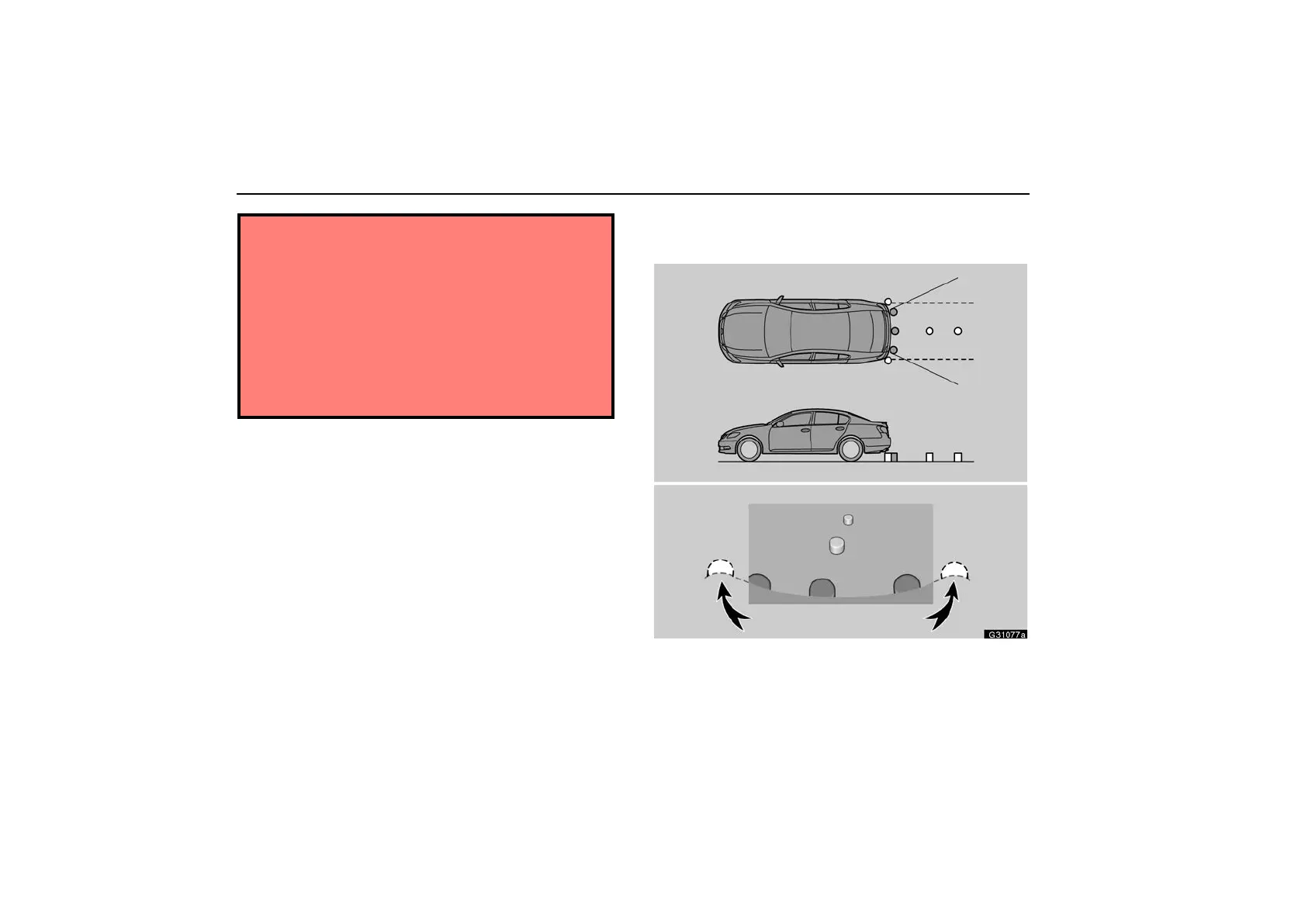
AREA DISPLAYED ON SCREEN
Image is displayed approximately level on screen.
G31077a
Check surroundings for safety.
Corners of bumper



 To Next Page