238
5-1. Remote Touch
LC500_LC500h_OM_OM11405U_(U)
*1
: Refer to the “NAVIGATION SYSTEM
OWNER’S MANUAL”.
*2
: This function is not made available on
some models.
■
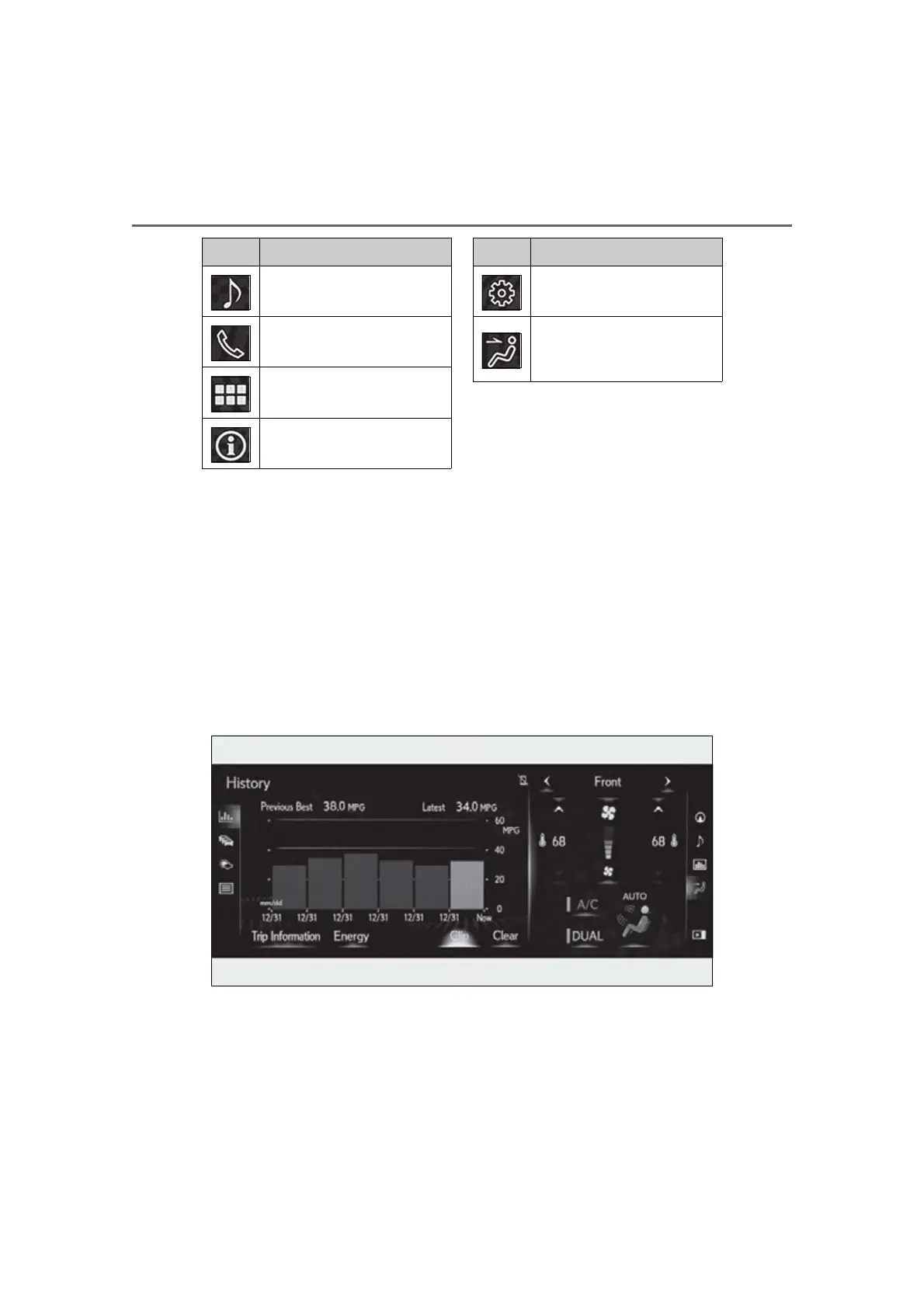
Split-screen display
Different information can be displayed on the left and right of the screen. For
example, air conditioning system screen can be displayed and operated while the
fuel consumption information screen is being displayed. The large screen on the
left of the display is called the main display, and the small screen to the right is
called the side display.
■
Main display
For details about the functions and
operation of the main display, refer to
the respective section and “NAVIGA-
TION SYSTEM OWNER’S MAN-
UAL”.
Select to display the media con-
trol screen.
*1
Select to display the hands-free
control screen.
*1
Select to display the “Apps”
screen.
*1, 2
Select to display the information
screen.
*1
(P.90, 92)
Switch Function
Select to display the “Setup”
screen.
*1
Select to display the air condi-
tioning control screen.
(P.245)
Switch Function




 To Next Page