294
6-3. Do-it-yourself maintenance
LC500_LC500h_OM_OM11405U_(U)
type as that already in the engine.
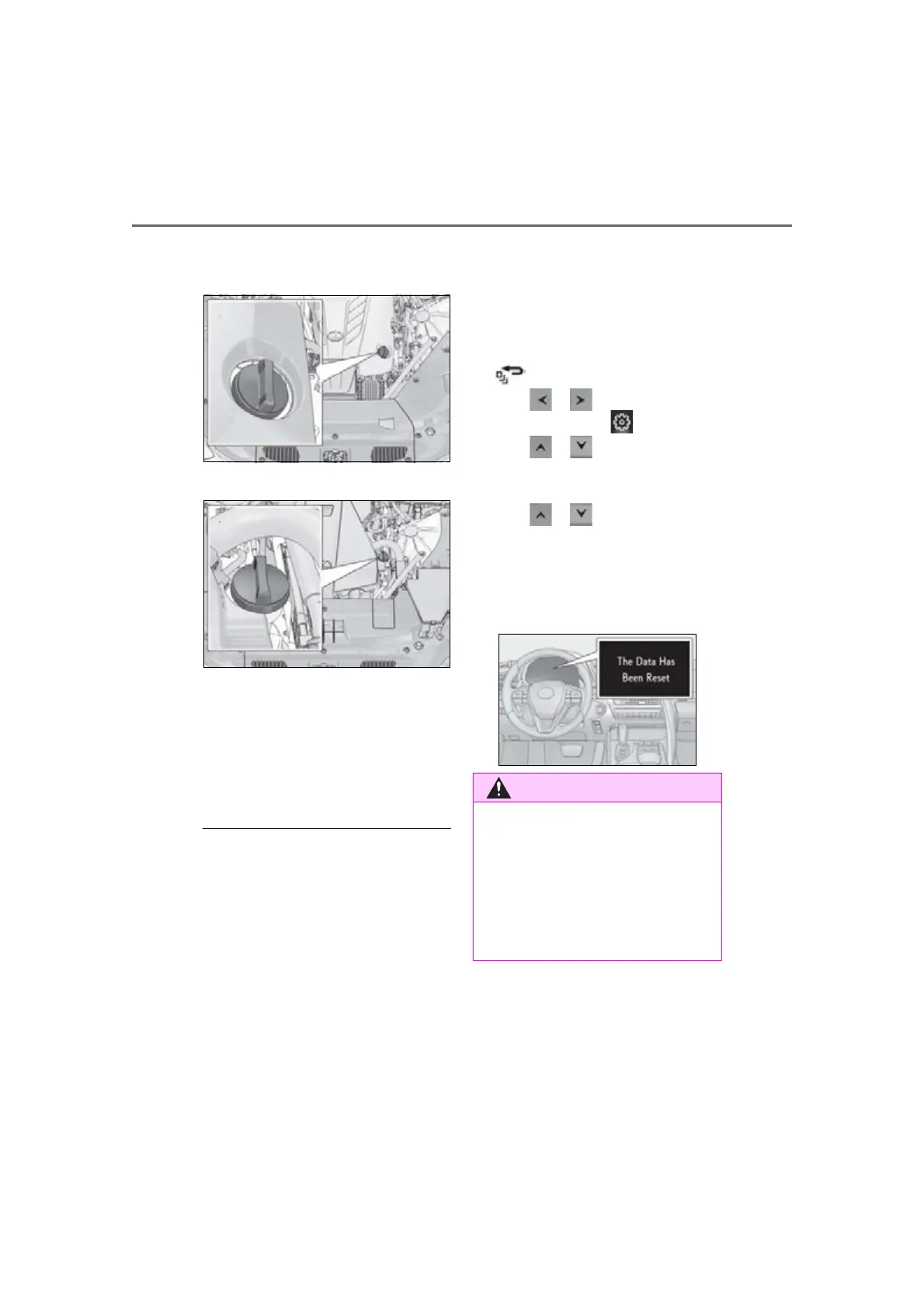
LC500
LC500h
1 Remove the oil filler cap by turning
it counterclockwise.
2 Add engine oil slowly, checking the
dipstick.
3 Install the oil filler cap by turning it
clockwise.
■
Engine oil consumption
A certain amount of engine oil will be con-
sumed while driving. In the following situa-
tions, oil consumption may increase, and
engine oil may need to be refilled in
between oil maintenance intervals.
●
When the engine is new, for example
directly after purchasing the vehicle or
after replacing the engine
●
If low quality oil or oil of an inappropriate
viscosity is used
●
When driving at high engine speeds or
with a heavy load, or when driving while
accelerating or decelerating frequently
●
When leaving the engine idling for a long
time, or when driving frequently through
heavy traffic
■
After changing the engine oil (LC500h)
The engine oil maintenance data should be
reset. Perform the following procedures:
1 While the vehicle is stopped, press
of the meter control switches.
2 Press or of the meter control
switches, and select .
3 Press or of the meter control
switches, select “Vehicle Settings”, and
then press “OK”.
4 Press or of the meter control
switches, select “Oil Maintenance”, and
then press “OK”.
5 Select “Yes” and then press “OK”.
A message will be displayed on the multi-
information display.
■
Used engine oil
●
Used engine oil contains potentially
harmful contaminants which may
cause skin disorders such as inflamma-
tion and skin cancer, so care should be
taken to avoid prolonged and
repeated contact. To remove used
engine oil from your skin, wash thor-
oughly with soap and water.






 To Next Page