299
4-5. Using the driving support systems
4
Driving
LS600hL_U(OM50D26U)
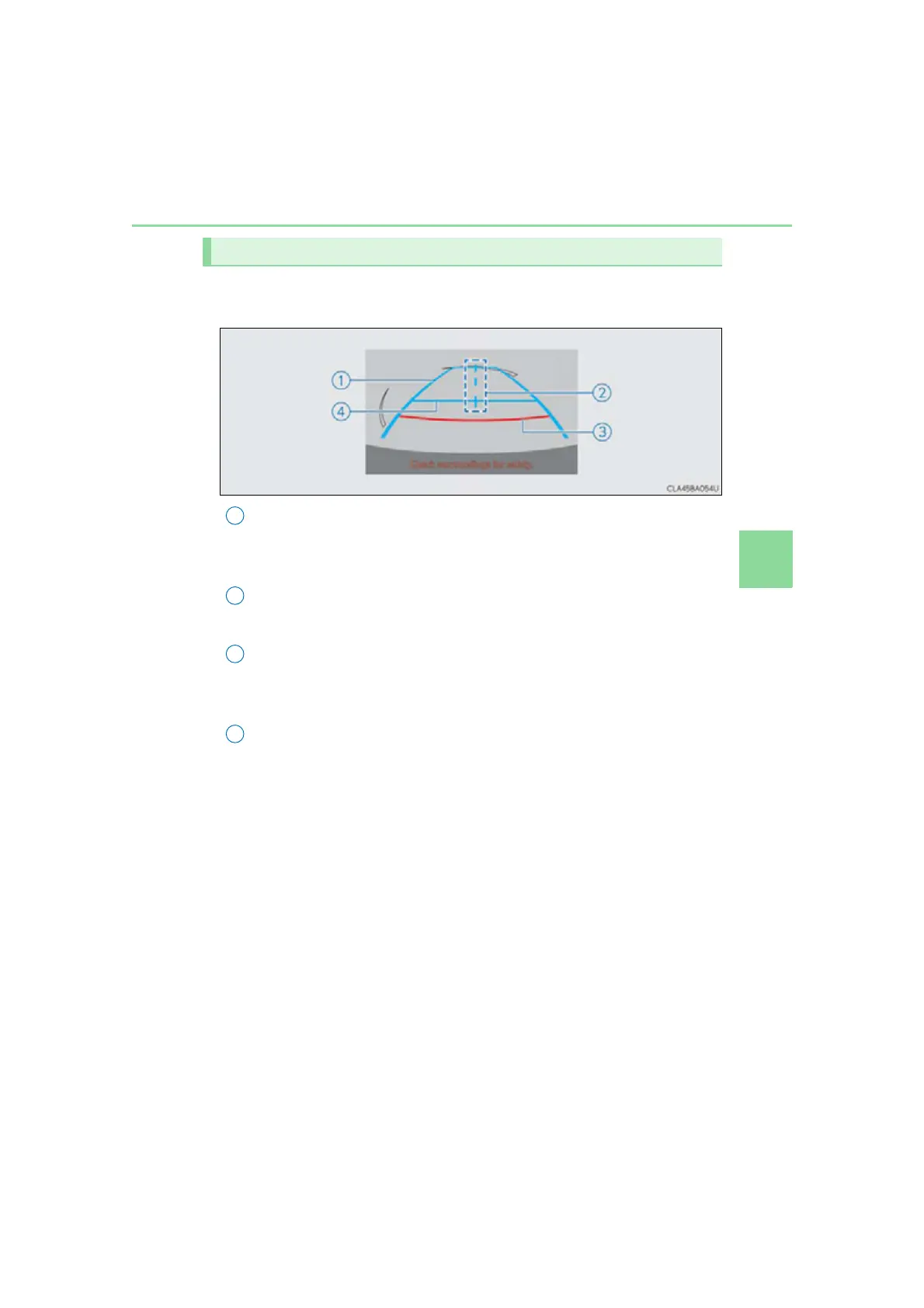
Guide lines are displayed on the screen.
Guide lines shown differ from those shown on the actual screen.
Vehicle width extension guide line (blue)
The line indicates a guide path when the vehicle is being backed straight up.
The displayed width is wider than the actual vehicle width.
Vehicle center guide lines
These lines indicate the estimated vehicle center on the ground.
Distance guide line (red)
This line indicates a position on the ground about 1.5 ft. (0.5 m) behind on the
ground of the rear bumper of your vehicle.
Distance guide line (blue)
This line indicates a position on the ground about 3 ft. (1 m) behind on the
ground of the rear bumper of your vehicle.
Screen description
2
3
4



 To Next Page
 Loading...











