410
5-3. Using the air conditioning system and defogger
LS600hL_U(OM50D26U)
■ Adjusting the fan speed (air purifier and cooler from the roof vents)
Select on the operation screen.
To adjust the fan speed, select “” on on the operation screen to
increase the fan speed and “” to decrease the fan speed.
According to the air outlets currently selected, the fan speed of either the cool air
from the roof vents or air purifier will be adjusted.
(P. 420)
■ Turning the rear air conditioning system off
Select on the operation screen.
The air purifier and the rear climate control seats also turn off.
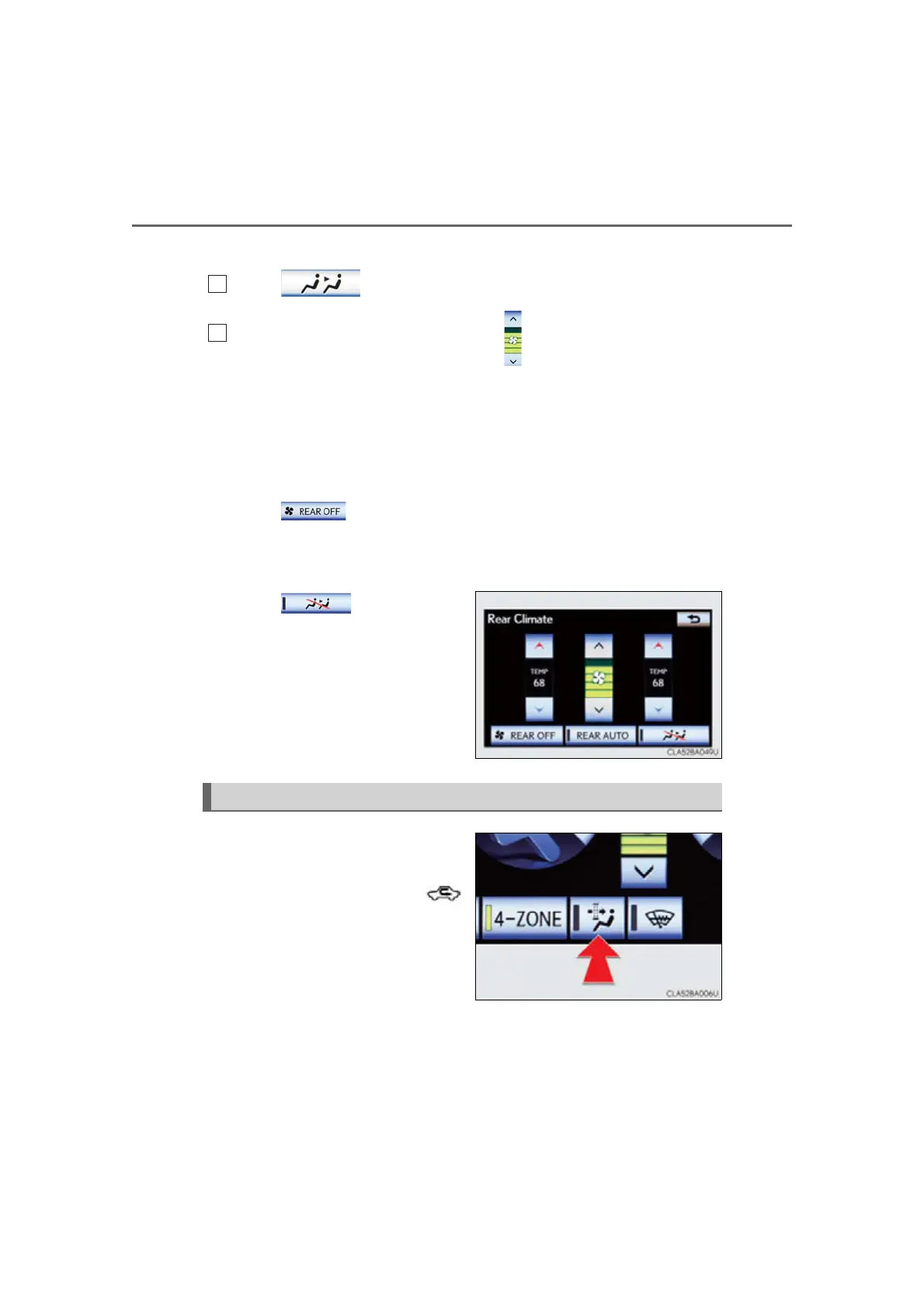
■ Disabling the switches on the rear controller
Select .
Rear climate control seats buttons
are also locked.
Operates micro dust and pollen fil-
ter on/off.
Outside air mode switches to
(recirculated air) mode. Pollen is
removed from the air and the air flows
to the upper part of the body.
Usually the system will turn off auto-
matically after approximately 1 to 3
minutes.
Micro dust and pollen filter button



 To Next Page
 Loading...











