BlindTransferButton
Youcantransferanactivecalltoanotherextensionwithouttalkingtothepartyreceivingthe
call.Thecalltransferstothenewpartywithoutverifyingthatthenewpartyisthereor
willingtoreceivethecall.
Totransferanactivecall,pressthebutton11.Theactivecallstatuschan
gestoholdandyou
receivedialtone.Dialthenumberyouwishtoreceivethetransferandthenpressthebutton
#.Tocompletethetransfer,hangupthehandset.
VoicePo
rtal:
This facility allows you to listen your voicemail. The Message LED flashes to indicate you
havenewmessagesonyourmailbox.
Dial 9 124 and follow the instructions in order to listen your messages. The first time you
connecttoyourvoicemail,youwillbeaskedtosetapasswordforaccesstoyourvoicemail.
HeadsetorHands
et:
Youcanuseheadsetinsteadhandset.Thisisdoneif youconnecttheheadsetcoiledcordto
theIPPhonebaseandleavethehandsetinitsplace.
To answerincoming calls:
Press ok to accept the call. Your call ison speakerphone, to talk
throughthehandsetsmustliftthehandsetfromitsposition.
Toplaceoutboundcall:Enterthenumberyouwanttocallandthenpressok.Yourcallison
speakerphone,totalkthroughtheheadsetmustpickupthehandsetfromitsposition.
ProgrammableKeys
:
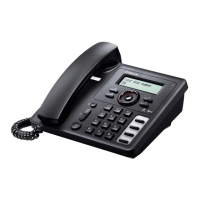
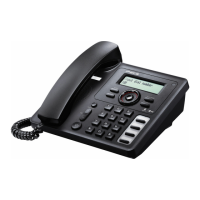
LG8802A IP phone has four programmable keys. Programmable keys gives you access to
variousfunctions.Thelistbelowindicatestheavailablefunctions:
SpeedDial
PhoneBook
CallLog
Mute
Redial
Returncall
SetCallForwarding
Conference
5










 To Next Page