13
ENG
ENGLISH
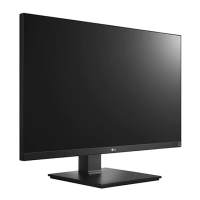
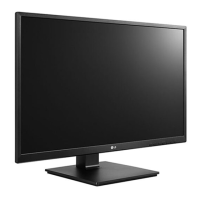
Swivel stand
NOTE
Monitor head
WARNING
y
Take care when rotating the monitor if the
cable is connected.
y
To avoid injury when rotating the display, do
not place your fingers between the display and
the stand base.
y
The left or right side of the monitor head can
be slightly rotated up or down (up to 3°). Adjust
the horizontal level of the monitor head.
Swivel (clockwise 45°)
Swivel (counter clockwise 45°)


 To Next Page
 Loading...