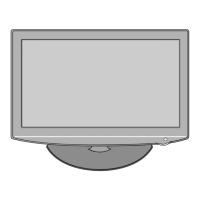
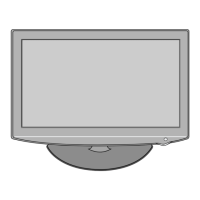
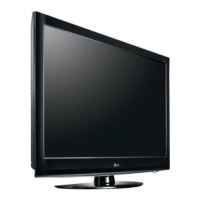
DESIGN CONCEPT
Item Detailed Item H5 Bi
Ban
UI OSD Font Type GUI Font Type GUI
Favorite Channel: supports 8 favorite
Favorite Channel: supports 8 favorite channel
channel
Picture Picture Mode Vivid/Standard/Cinema/Sport/Game/User1/
Vivid/Standard/Cinema
(In Vi id/Standard/Cinema Each items s pport
v
,
u
User Mode)
Advanced
Picture Mode value can’t be changed
Picture Mode value can be changed for all mode
Control (except user mode)
Audio Sound Mode SRS TSXT/Clear Voice/Standard/
Music/Cinema/Sport/Game/User
Standard/Music/Cinema
(In Standard/Music/Cinema,
Support Treble & Bass setting for all input)
Clear Voice
Sound Mode 하위 위치함
Not Support
Input Input List appearance in vertical box Input List appearance in vertical box
PIP Available Not Available
Copyright © 2009 LG Electronics. Inc. All right reserved.
Only for training and service purposes
LGE Internal Use Only



 To Next Page