- 11 -
ADJUSTMENT INSTRUCTION
1. Application Range
This spec. sheet is applied to all of the LP62H chassis(H3-
High) manufactured at LG TV Plant all over the world.
2. Specification
2.1 Because this is not a hot chassis, it is not necessary to
use an isolation transformer. However, the use of isolation
transformer will help to protect test instruments.
2.2 Adjustment must be done in the correct sequence.
2.3 The adjustment must be performed at 25±5°C
temperature and 65±10% relative humidity if there is no
specified designation.
2.4 The input voltage of the receiver must be kept between
100~220V, 50/60Hz.
2.5 Before adjustment, execute Heat-Run for 30 minutes at
RF no signal
3. Adjustment items
3.1 PCB assembly adjustment items
• Channel memory
- Download the channel data from BOM to EEPROM by
using LGIDS.
• Option adjustment following BOM
- Tool Option1
- Tool Option2
- Area Option
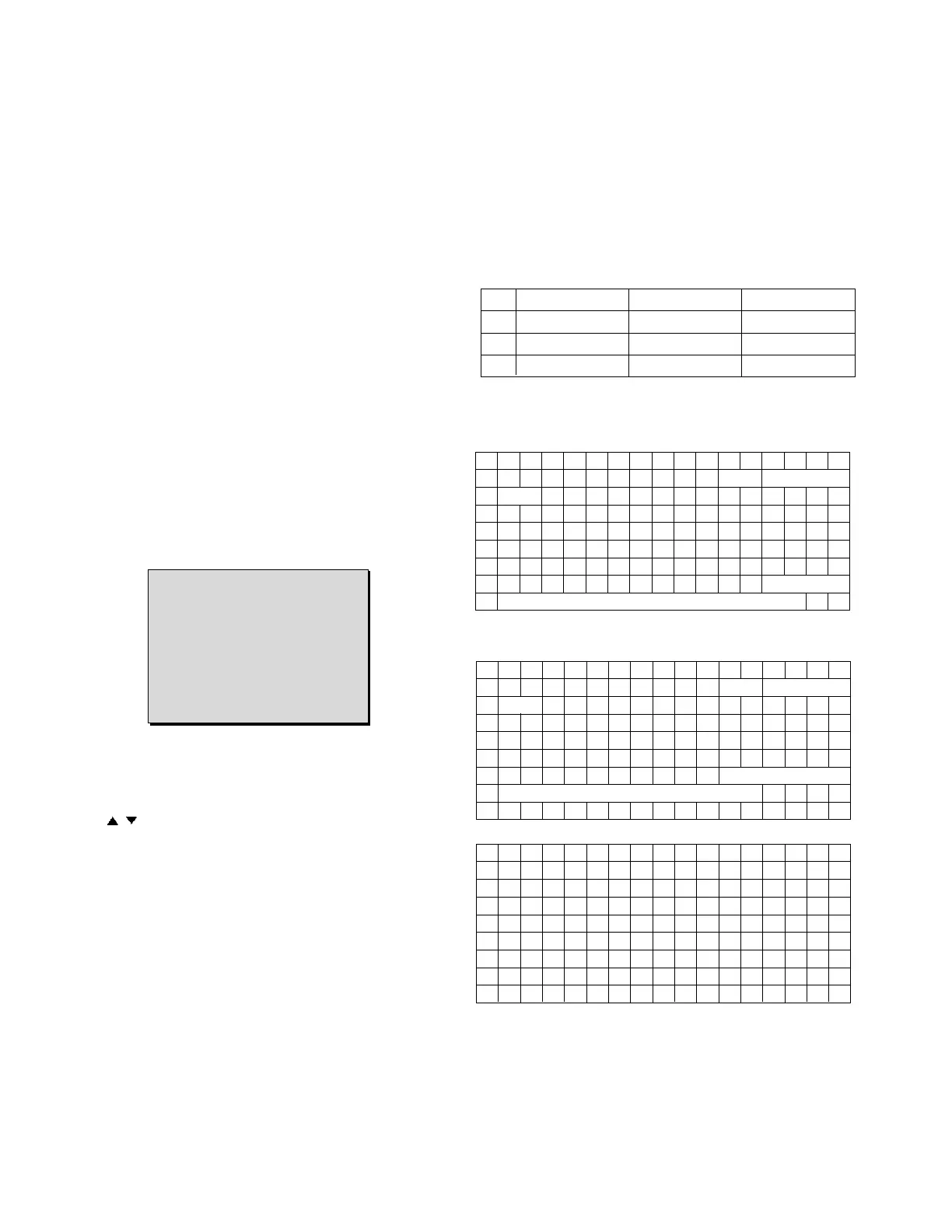
(Fig. 1)
1) Push the ADJ key in the Adjust Remocon.
2) Input the Option Number that was specified in the BOM,
into the Shipping area.
3) Select "Tool Option1/ Tool Option2/ Area Option" by using
/ (CH+/-) key , and press the number key(0~9)
consecutively
ex) If the value of Tool Option1 is 7, input the data using
number key "7" (Fig. 1)
3.2 SET assembly adjustment items
• Auto AV1 Color Balance
• Adjustment of White Balance
• Auto Component Color Balance adjustment
- Standard equipment : MSPG925FA
• Auto RGB Color Balance adjustment
- Standard equipment : MSPG925FA
4. EDID
Caution
* Use the proper signal cable for EDID Download
- Analog EDID : Pin3 exists
- Digital EDID : Pin3 exists
=> Caution: - Never connect HDMI & DVI-D & DVI-A Cable at
the same time.
- Use the proper cables below for EDID Writing
4.1 EDID Data
4.2 Data
4.2.1. ANALOG(256 Bytes )
• BLOCK1 (128BYTE)
4.2.2. HDMI(256 Bytes )
• BLOCK1 (128BYTE)
• BLOCK2 (128BYTE)
=> Detail EDID Options are below (a, b, c, d, e)
00 01 02 03 04 05 06 07 08 09 0A 0B 0C 0D 0E 0F
00 00 FF FF FF FF FF FF 00 1E 6D
10 01 03 01 46 27 78 EA D9 B0 A3 57 49 9C 25
20 11 49 4B A5 6E 80 31 40 01 01 01 01 45 40 01 01
30 61 40 01 01 01 01 1B 21 50 A0 51 00 1E 30 48 88
40 35 00 BC 88 21 00 00 1C 4E 1F 00 80 51 00 1E 30
50 40 80 37 00 BC 88 21 00 00 18 00 00 00 FD 00 38
60 4B 1F 3D 09 00 0A 20 20 20 20 20 20
70 00 84
00 01 02 03 04 05 06 07 08 09 0A 0B 0C 0D 0E 0F
00 00 FF FF FF FF FF FF 00 1E 6D
10 01 03 80 46 27 78 EA D9 B0 A3 57 49 9C 25
20 11 49 4B A5 6E 80 31 40 01 01 01 01 45 40 01 01
30 61 40 01 01 01 01 1B 21 50 A0 51 00 1E 30 48 88
40 35 00 BC 88 21 00 00 1C 4E 1F 00 80 51 00 1E 30
50 40 80 37 00 BC 88 21 00 00 18
60 00 00 00
FD
70 00 38 4B 1F 3D 09 00 0A 20 20 20 20 20 20 01 FF
00 01 02 03 04 05 06 07 08 09 0A 0B 0C 0D 0E 0F
00 02 03 24 F1 4B 85 04 02 01 03 11 12 13 14 10 1F
10 07 07 23 09 07 07 23 09 07 07 83 01 00 00 65 03
20 0C 00 10 00 01 1D 00 80 51 D0 1C 20 40 80 35 00
30 BC 88 21 00 00 1E 8C 0A D0 8A 20 E0 2D 10 10 3E
40 96 00 13 8E 21 00 00 18 2A 12 00 10 41 43 17 20
50 28 60 35 00 00 00 32 00 00 1C 01 1D 80 18 71 1C
60 16 20 58 2C 25 00 C4 8E 21 00 00 9E 00 00 00 00
70 00 00 00 00 00 00 00 00 00 00 00 00 00 00 00 66
LP62x
Cortez Version x.xx
Panel Used XX hr.
Tool Option1 7
Tool Option2 161
Area Option 16
:
:
No Item Condition 16 Date
1 Manufaturer ID GSM 1E6D
2 Version Digital : 1 01
3 Revision Digital : 3 03
a
a
c
d
d
b
c
d
d
b


 To Next Page
 Loading...