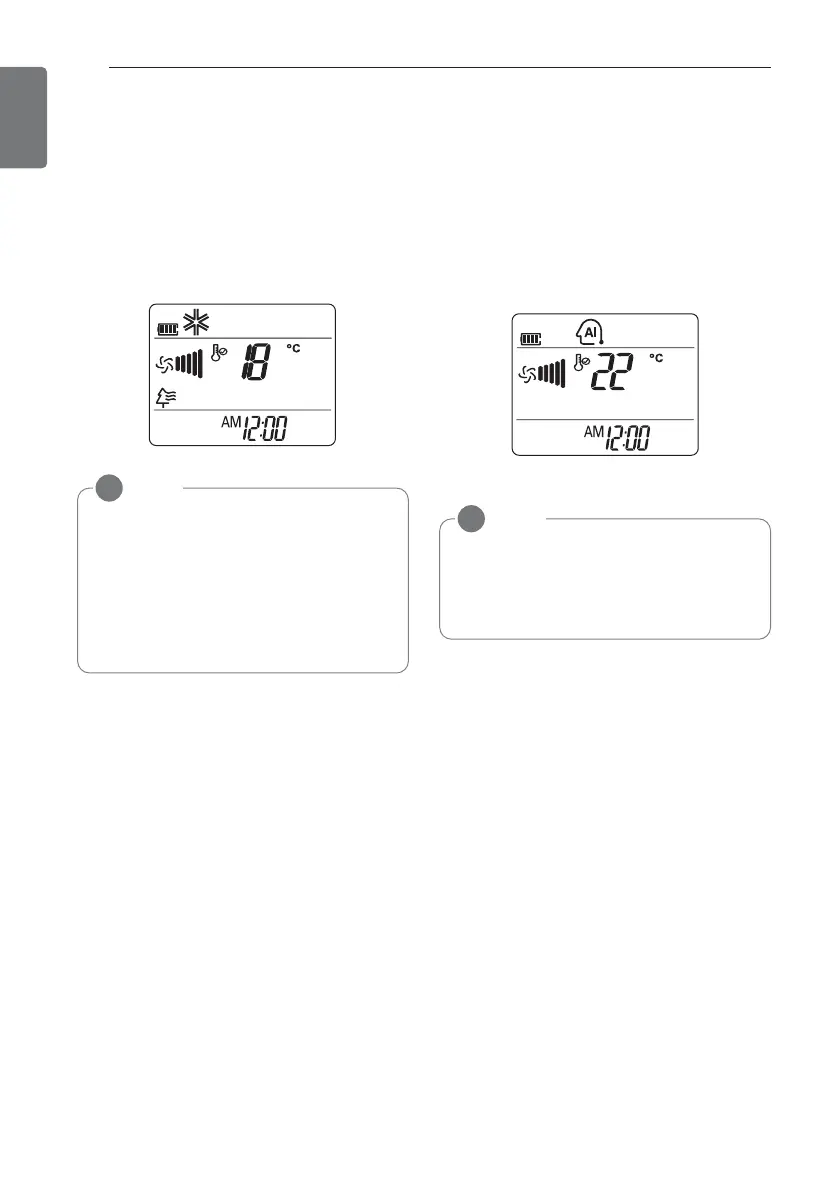
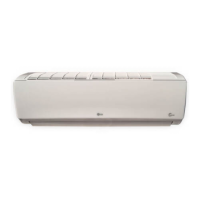
Plasma Purification operation
The plasma filter developed by LG removes
microscopic contaminants from the intake air
completely to supply clean and fresh air.
1 Press d to turn on the power.
2 Press a.
-
F is displayed on the display screen.
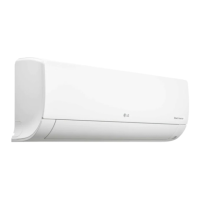
Auto operation
(Artificial intelligence)
You can set desired temperature and indoor
fan speed. Setting Temp. Range : 18~30°C
1 Press d to turn on the power.
2 Press f repeatedly to select auto opera-
tion.
NOTE
!
• You can use this function by pressing
a without turning the air conditioner
on.
• Both the plasma lamp and the cooling
lamp light up while plasma purification is
in operation.
• This function may not be supported, de-
pending on the model.
ADVANCED FUNCTIONS
14
ENGLISH
NOTE
!
• In this mode, you can set the air deflec-
tor to rotate automatically.
• This function may not be supported, de-
pending on the model.



 To Next Page