12
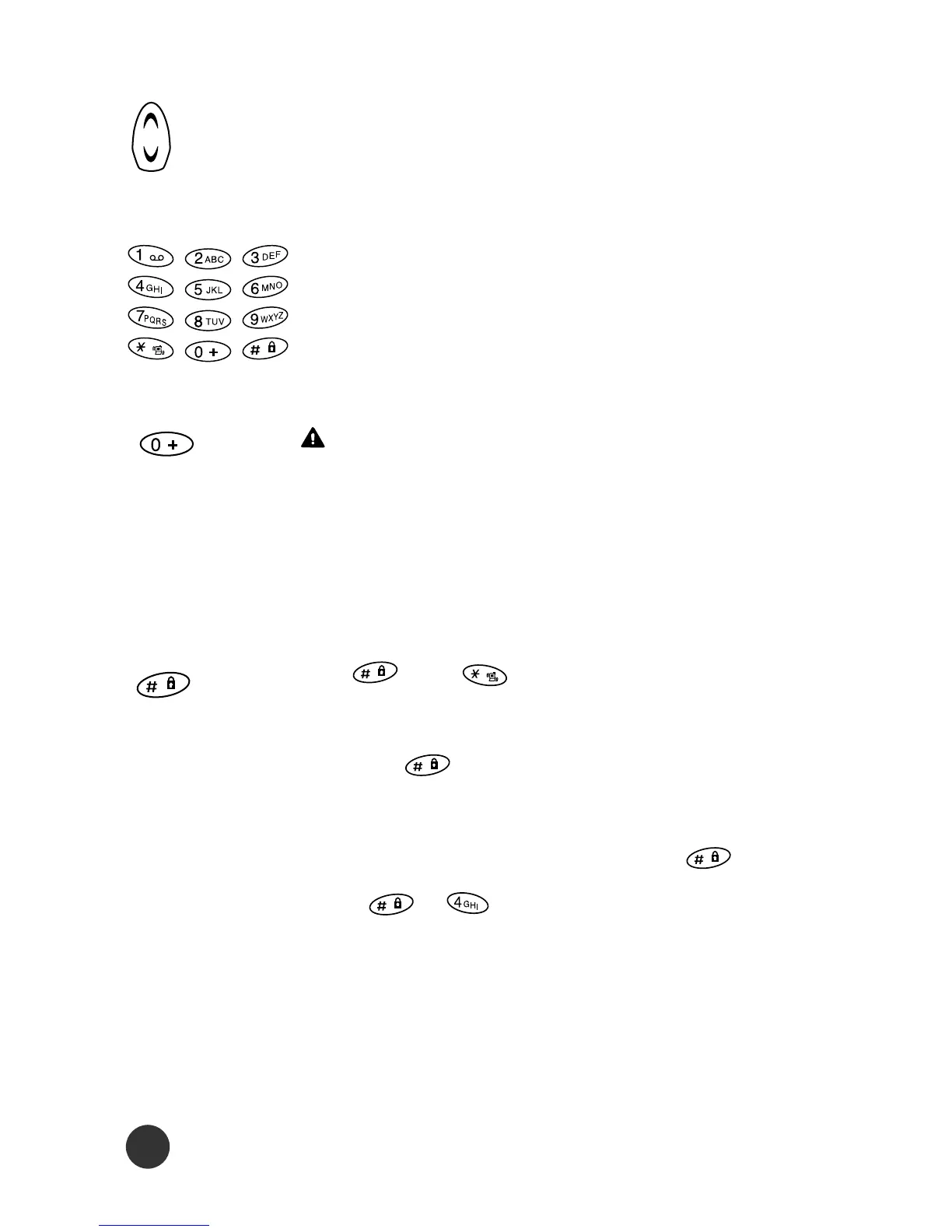
The up/down cursor keys scroll through menus
and submenus, options and settings.
The alphanumeric character keys are used
for editing short messages, names and tele-
phone numbers in the phonebook.
Press and hold the key until '0' is changed
into '+' for the international prefix. ('+' char-
acter is used as a substitute for international
access code)
The and are special function keys.
You may enable the keypad lock function by
pressing longer than 2 seconds. This
hotkey is only valid in idle mode. To disable
keypad lock, you may long press or
press , to unlock.
Also, this menu allows you to make a quick
access when dialing numbers to make a
phone call.



 To Next Page