22
1.Switch off the phone and install your SIM
card. Please follow instructions on how to
install a SIM card.
2.If the battery is out of power, you can still
connect to your travel charger and use the
phone normally.
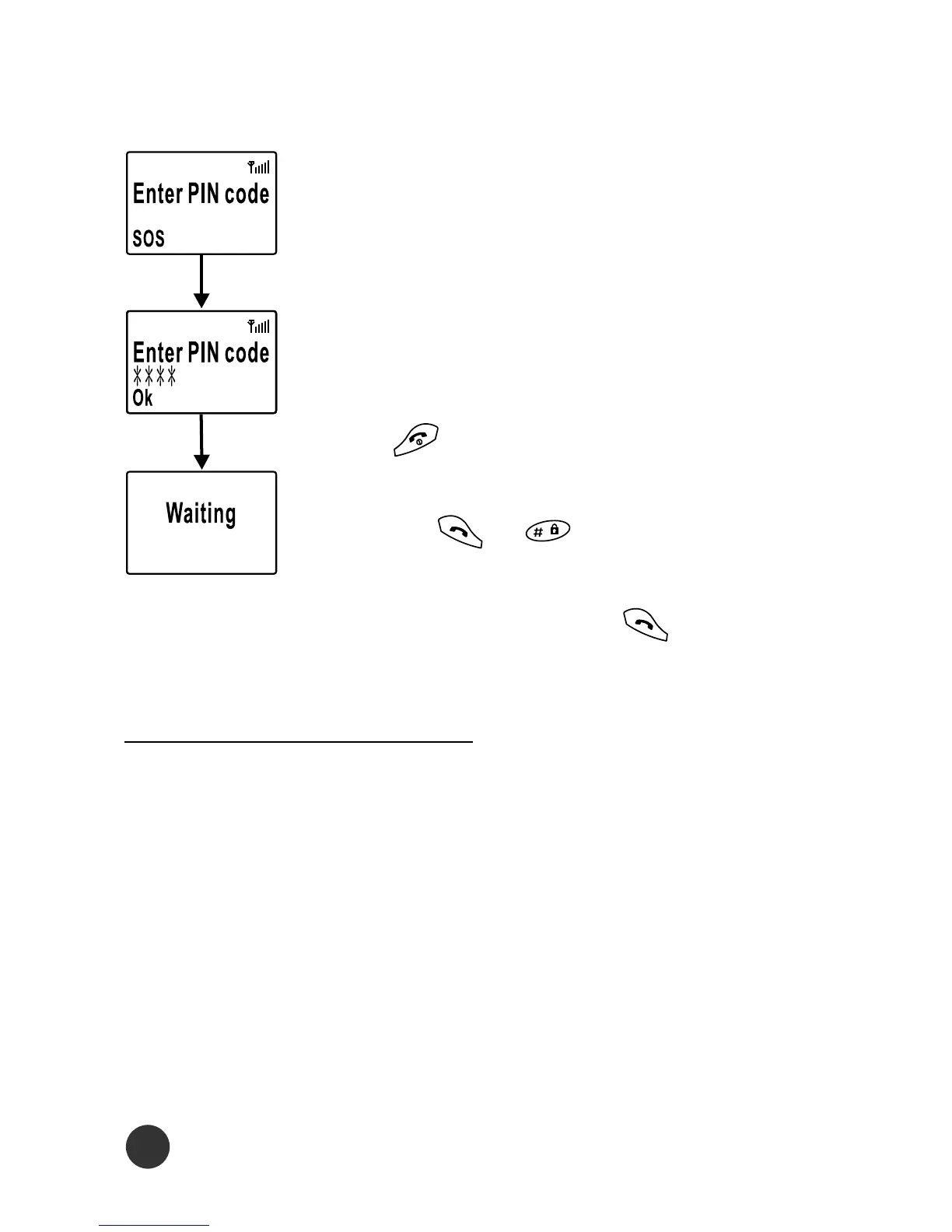
3.Press . If the display indicates Enter
PIN, key in the PIN code of your SIM card,
and press or .
4.Key in the telephone number together with
the area code, and press to send.
Making a Call
Access Codes/PIN Codes
PIN and PIN2 (4 to 8 digits)
A PIN (Personal Identification Number) code is supplied to
your phone and the SIM card by network providers to pre-
vent unauthorized use. With your SIM card inserted, your
PIN code will be required every time you switch on your
phone. If a wrong PIN code is entered three consecutive
times, the phone becomes locked or disabled. You must ask
your network provider to use the PUK code to unlock or



 To Next Page