47Operation
Operation
4
5. Select a city using
vVY
, and press ENTER
( ).
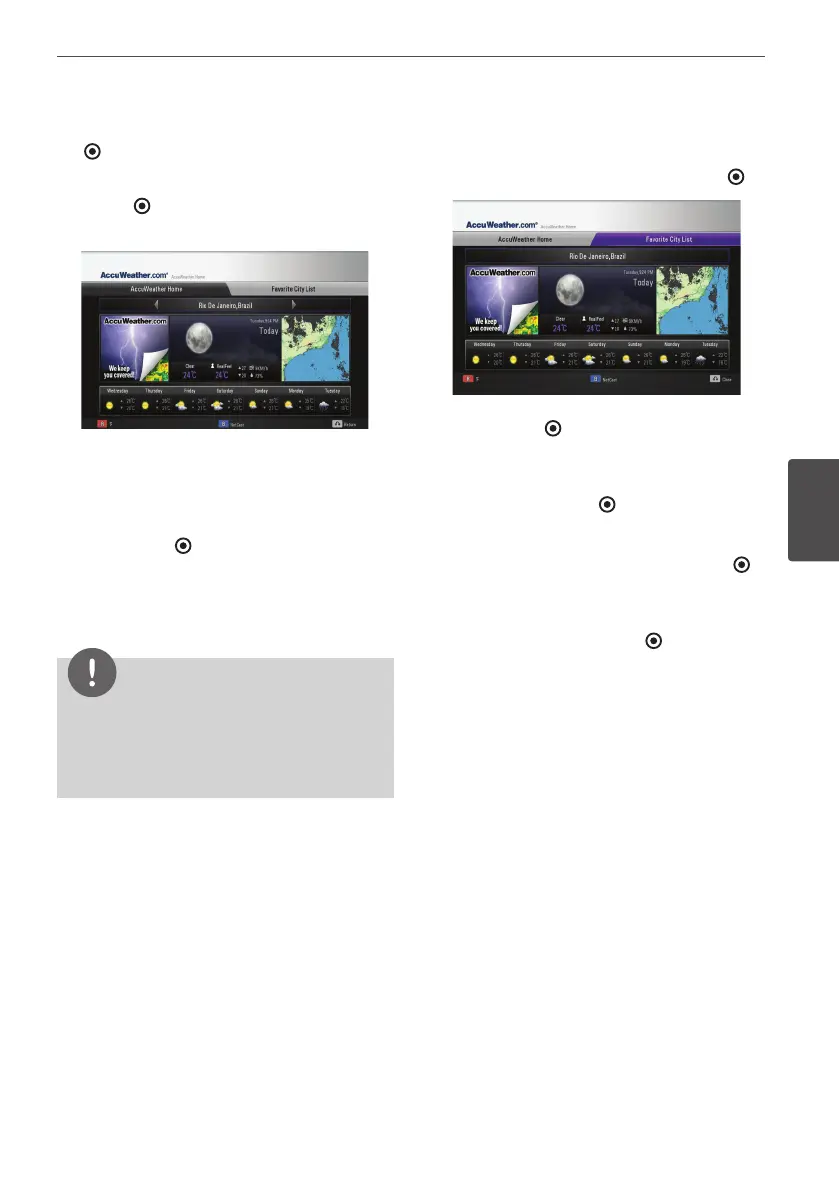
6. Use
vVY
to select [Home] and press
ENTER ( ) to display weather information
of the selected city.
Press red (R) colored button to toggle
display between Fahrenheit or Celsius
thermometer.
7. Use
Y
to select previous or next city, and
press ENTER ( ) to display the weather
information.
This step works only when you add more
than 1 cities to the [Favorite city List].
NOTE
• The weather information is not always correct.
• The weather information may be displayed in
English, if your own language is not available on
the AccuWeather service.
Adding more cities
1. Use
Y
to select [Favorite City List] on the
AccuWeather menu, and press ENTER ( ).
2. Press ENTER ( ) while [Add City to Favorite
City List] is selected.
3. Select a region, country and city using
vVY
and ENTER ( ).
4. Repeats step 2-3 to add up to 5 cities.
Select the [X] symbol and press ENTER ( )
to delete the stored favorite city.
5. Use
vV
to select a city from the [Favorite
City List], and press ENTER ( ) to display
the weather information.



 To Next Page