Make a Phone Call
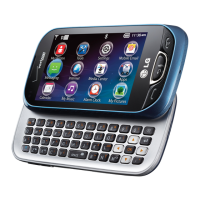
Extravert’s large virtual dialing pad makes dialing
phone numbers quick and easy.
1. From standby mode, touch
.
2. Dial the desired number and press
, or
touch Contacts > (next to the desired contact).
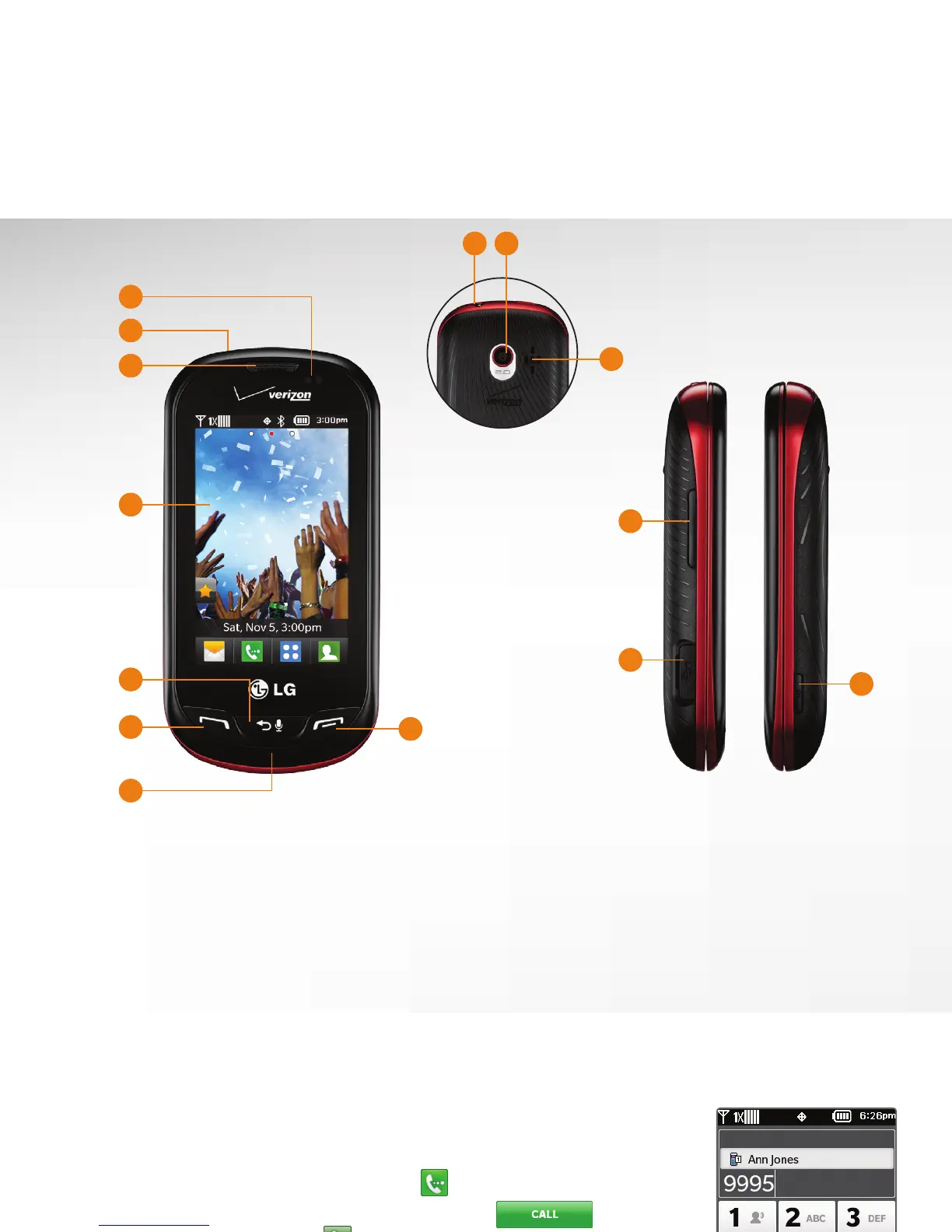
Getting to Know Your Phone
1. Proximity Sensor
2. Lock Key
3. Earpiece
4. Touch Screen
5. Back/Voice Commands/
Voice Memo Key
6. Send Key
7. Microphone
8. Power/End Key
9. 3.5mm Headset Jack
10. Camera Lens
11. Speaker
12. Volume Keys
13. Charging/Data Port
14. Camera/Video Key
11
3
2
1
4
6
5
7
8
12
13
14
9 10


 To Next Page