Basic Functions 72
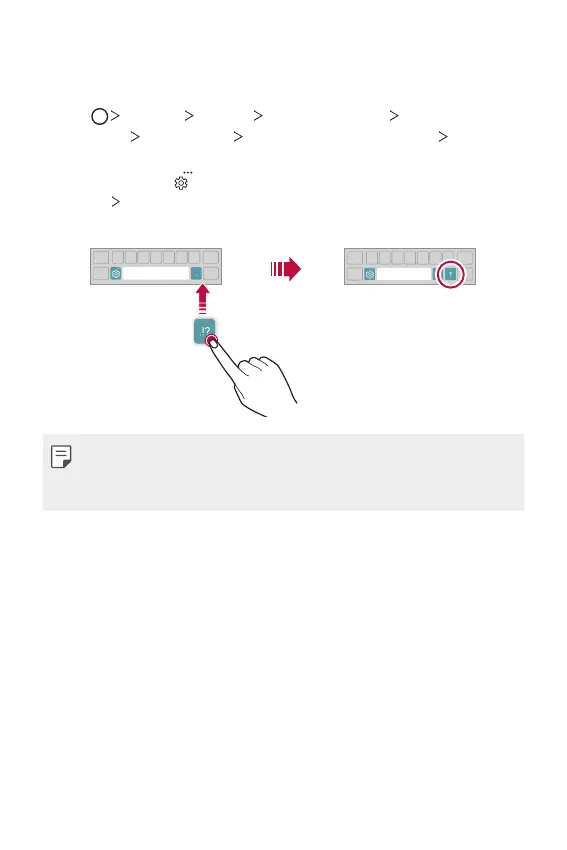
Changing the QWERTY keyboard layout
You can add, delete or rearrange keys on the bottom row of the keyboard.
1
Tap Settings General Language & input On-screen
keyboard
LG Keyboard Keyboard height and layout QWERTY
keyboard layout.
You can also tap
on the keyboard and tap Keyboard height and
layout
QWERTY keyboard layout.
2
Tap a key on the bottom row, then drag it to another position.
• This option is available on the QWERTY, QWERTZ and AZERTY
keyboards.
• This function may not be supported for some languages.



 To Next Page