3. Operation
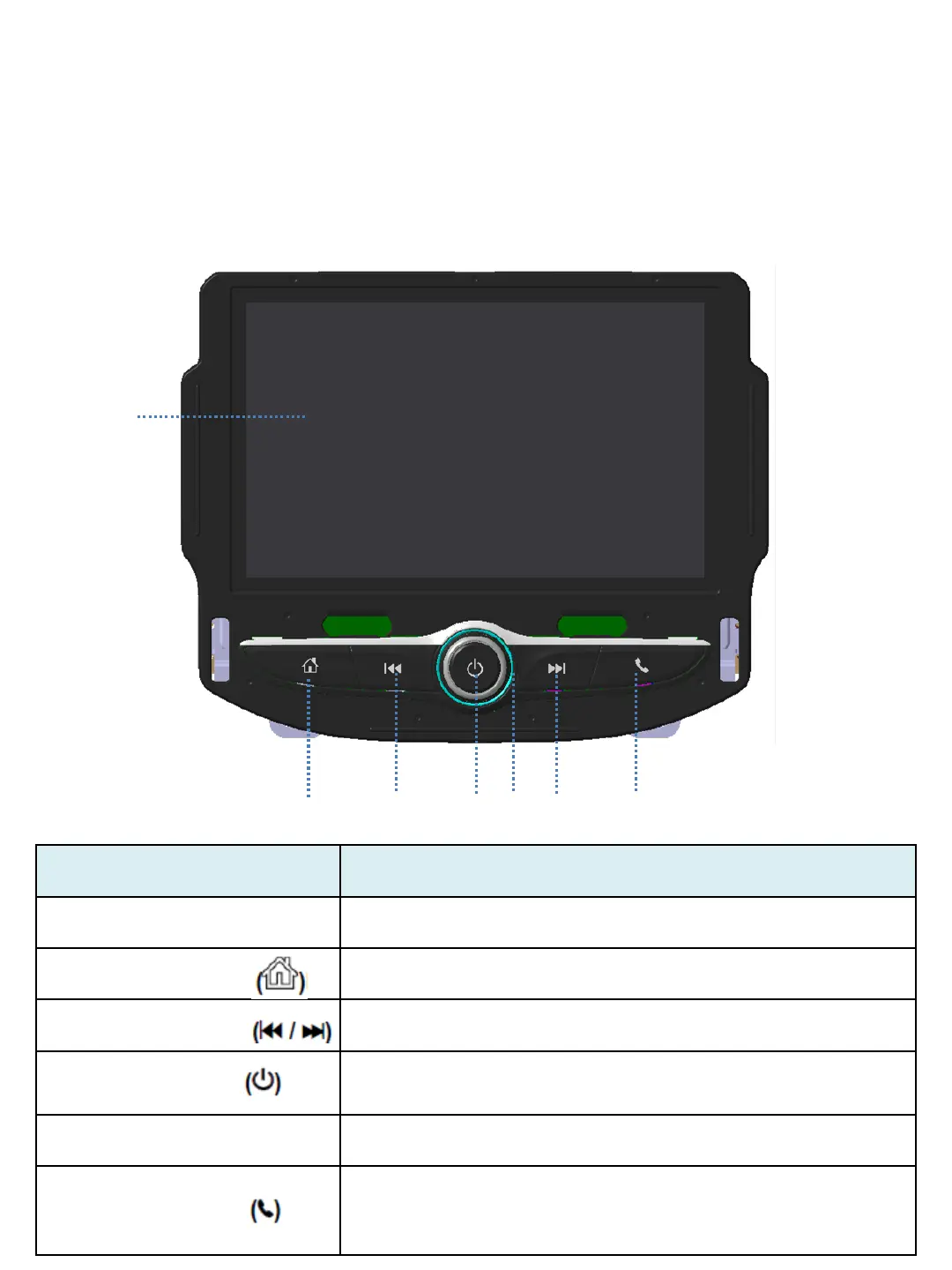
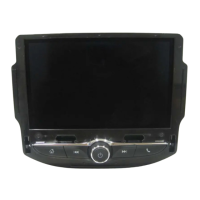
(1)
(2)
(3) (4)(5) (6)
(7)
Item (#No.) Descriptions
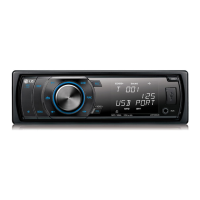
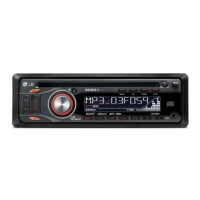
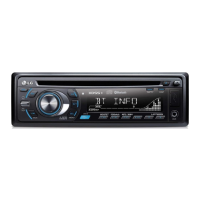
(1) Display Display for Play/Reception/Menu state and information.
(2) HOME button Press this button to enter the home menu.
(3)/(6) Seek button Press this button to seek the station or media contents.
(4) POWER button
Press and hold this button to turn the power on/off.
Press this button to turn the mute function on/off.
(5) Volume knob Rotate the Volume knob to adjust the volume.
(7) Phone button
Press this button to access the Phone screen.
(If there is no connected phone, it will be displayed
Bluetooth device management screen.)


 To Next Page