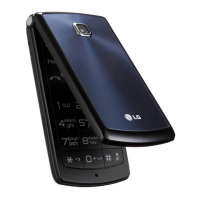
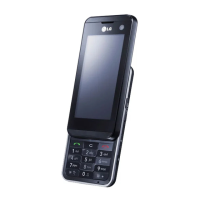
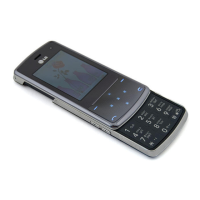
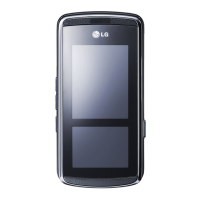
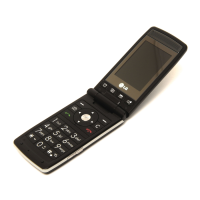
KF300 features
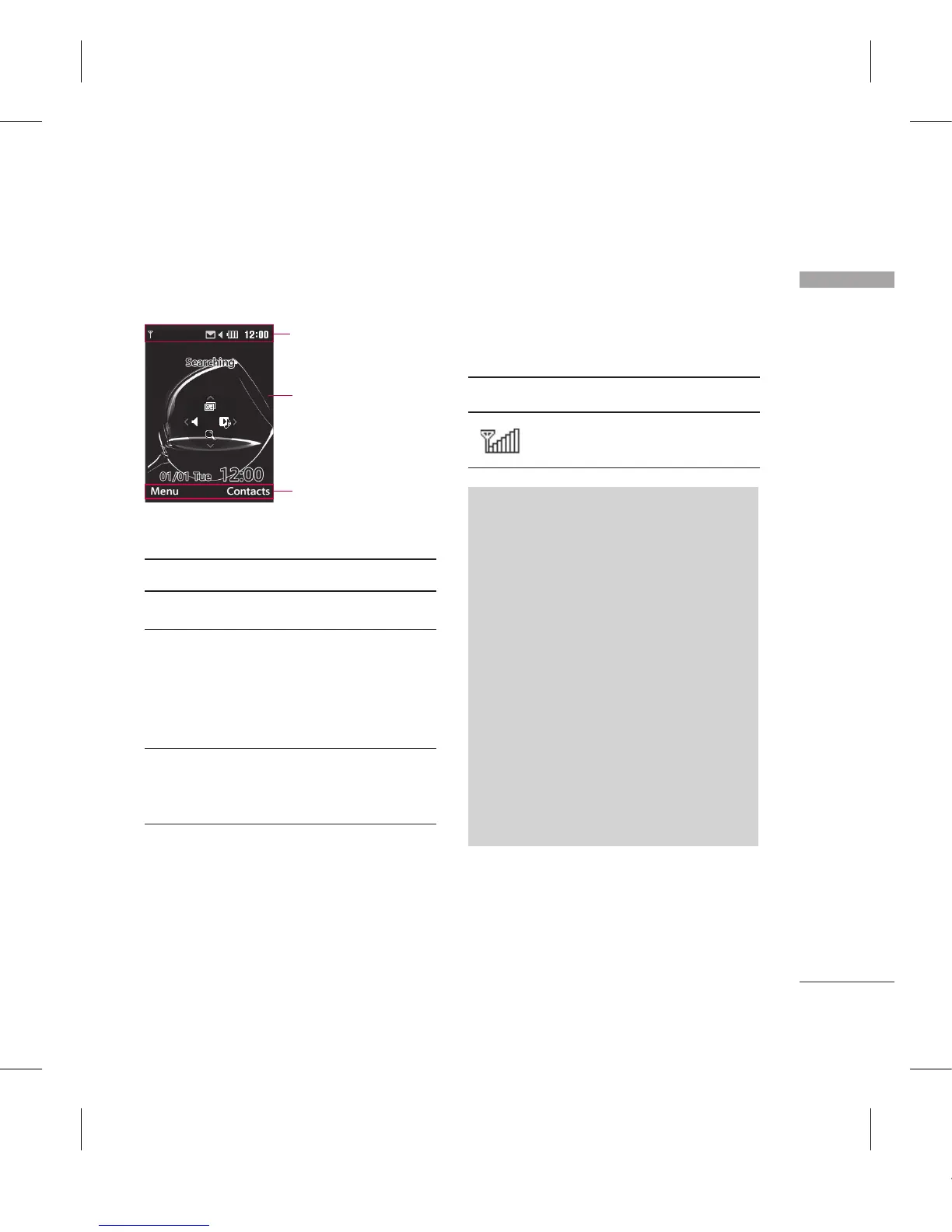
Display Information
Icon area
Text and
graphic area
Soft key
indications
Area Description
First line Displays various icons.
Middle lines Displays messages,
instructions and any
information that you
enter, such as number
to be dialled.
Last line Shows the functions
currently assigned to
the two soft keys.
On-Screen Icons
The screen displays several icons.
There are described below.
Icon
Description
Indicates the strength of
the network signal.*
Note
* The quality of the conversation
may change depending on
network coverage. When the
signal strength is below 2 bars,
you may experience muting, call
drop and bad audio.
Please take the network bars as
indicator for your calls. When
there are no bars, that means that
there is no network coverage: in
this case, you won’t be able to
access the network for any service
(call, messages and so on).
SIM card
socket


 To Next Page