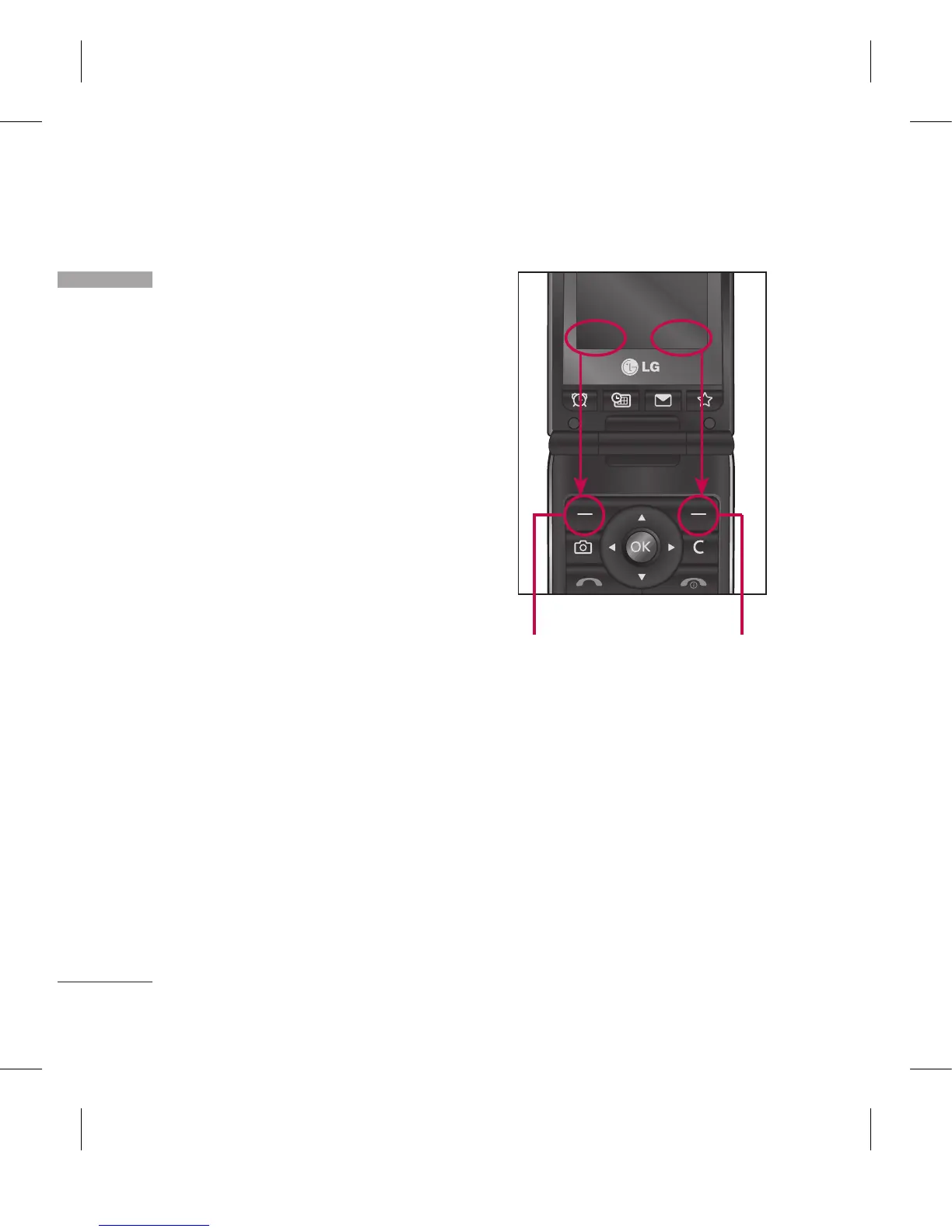
Selecting functions and options
Your phone offers a set of functions
that allow you to customise the
phone. These functions are arranged
in menus and sub-menus, accessed
via the two soft keys marked. Each
menu and sub-menu lets you view
and alter the settings of a particular
function.
The roles of the soft keys vary
according to the current context; the
label on the bottom line of the screen
just above each key indicates its
current role.
Press the left soft
key to access the
available Menu.
Press the right soft
key to access the
Contacts.
Menu Contacts
Selecting func tions and options



 To Next Page