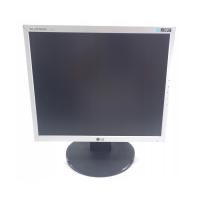
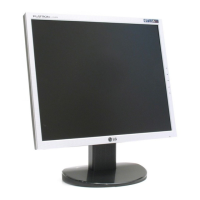
A6
Control Panel Functions
Front Panel Controls
MENU Button
Use this button to enter or exit the On Screen Display.
Control Function
OSD LOCKED/UNLOCKED
This function allows you to lock the current control
settings, so that they cannot be inadvertently changed.
Press and hold the MENU button for 5 seconds. The
message "OSD LOCKED" should appear.
You can unlock the OSD controls at any time by pushing
the MENU button for 5 seconds. The message "OSD
UNLOCKED" should appear.
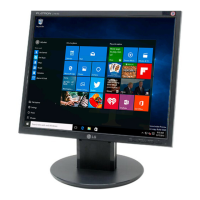
<L1750S/L1750SQ/L1950S/L1950SQ>
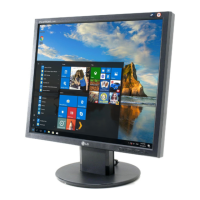
<L1751S/L1751SQ/L1951S/L1951SQ>


 To Next Page
 Loading...