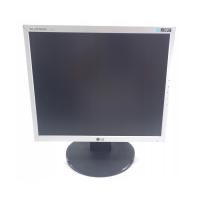
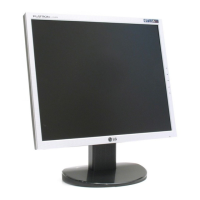
A7
Control Panel Functions
This Indicator lights up green when the display
operates normally(On Mode). If the display is in Sleep
Mode (Energy Saving), this indicator color changes
to amber.
Use this button to turn the display on or off.
Power Button
Power Indicator
Use this button to enter a selection in the On Screen
Display.
AUTO/SET
Button
AUTO IMAGE ADJUSTMENT
When adjusting your display settings, always press
the AUTO/SET button before entering the On Screen
Display(OSD). This will automatically adjust your
display image to the ideal settings for the current
screen resolution size (display mode).
The best display mode is
17 inch monitor : 1280x1024
19 inch monitor : 1280x1024
Control Function
Buttons
Use these buttons to select or adjust functions in the On
Screen Display.
Lightview hot key
This feature lets you easily select the best desired
image condition optimized to the environment
(ambient illumination, image types etc).
• DAY : Bright ambient illumination
• NIGHT : Dark ambient illumination
• TEXT : For text images (Word processing etc.)
• MOVIE : For animation images in videos or movies
• PHOTO : For pictures or drawings
•
NORMAL
: This is under normal operating conditions
DAY
NIGHT


 To Next Page
 Loading...