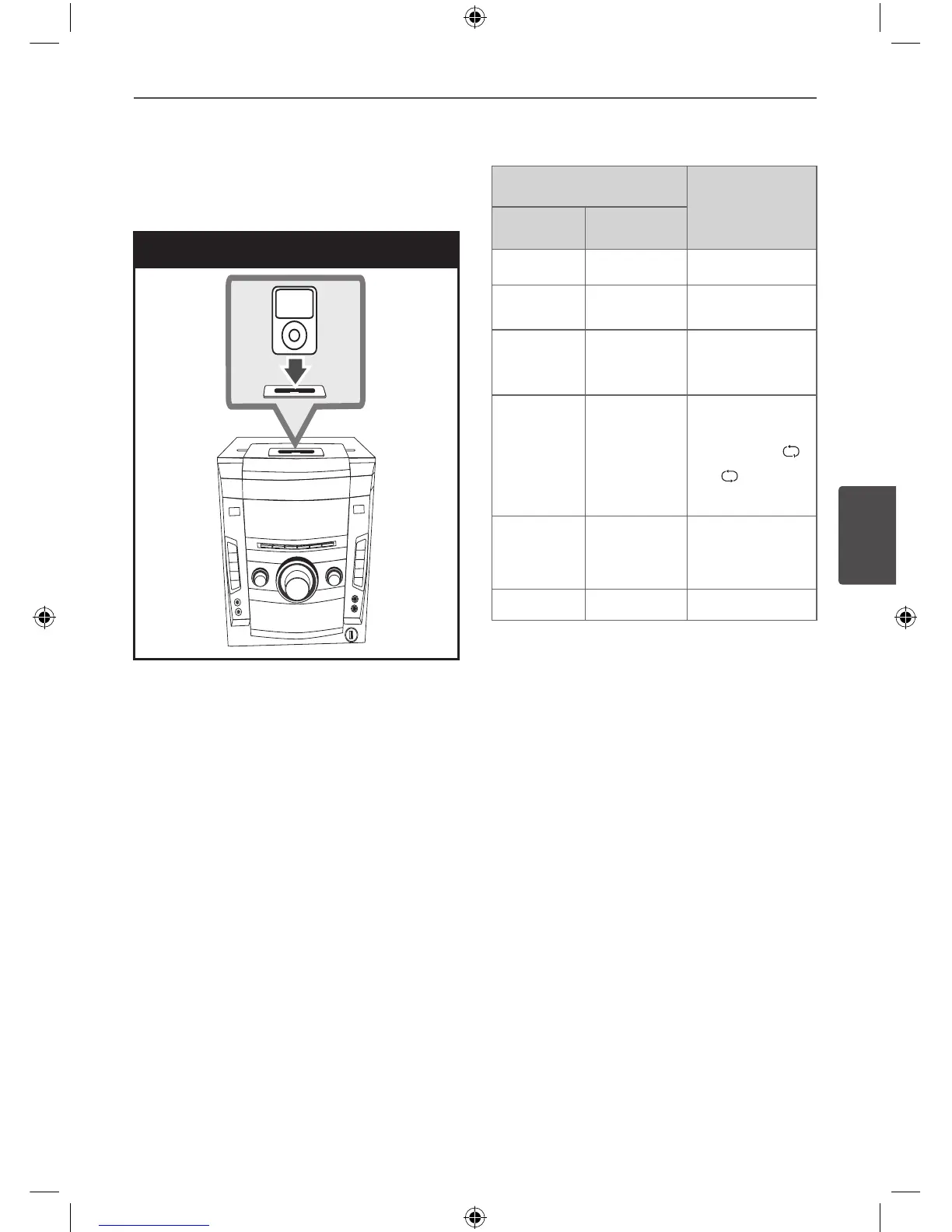
Playing the iPod
1. Connect the iPod rmly.
iPod Connection
If you turn this unit on, your iPod is
automatically turned on and recharging
starts.
If your iPod is completely discharged,
charge the battery rst.
2. Press AUX/ PORTABLE/ iPod on the unit
or FUNCTION on the remote control to
select iPod function. You can operate your
iPod through an iPod’s display by using the
supplied remote control and also control
on your iPod.
Button
Do this
ON UNIT ON REMOTE
SET/CD II
B
/
X
Pause or restart
.
/
> .
/
>
Skip
.
/
>
(press and
hold)
m
/
M
(press and
hold)
Search
- REPEAT
To select a
desired repeat
mode: Track
( )
,
All
( )
, O (No
display).
-
U
/
u
/
I
/
i
Selects an
option in the
menu.
B B
, ENTER
Starts playback.


 To Next Page
 Loading...