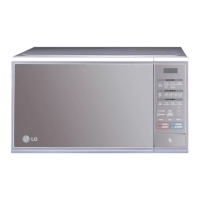
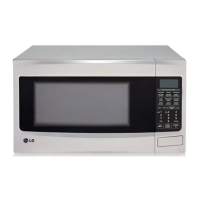
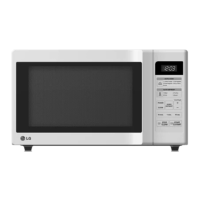
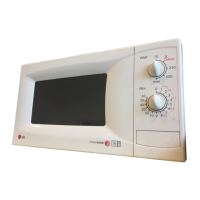
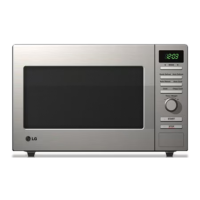
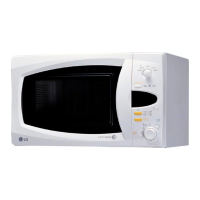
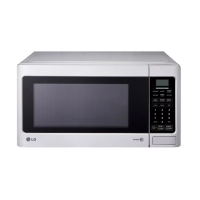
1. DISPLAY WINDOW: Used to show time of day,
power level of cooking, cooking category.
2. AUTO COOK: Used to cook the foods listed by
one touch.
3. AUTO DEFROST: Used to select the desired auto
weight defrost programmed with weight pad.
4. EXPRESS DEFROST: Touch this pad to defrost
foods quickly.
5. BREAD DEFROST: Touch this pad to defrost
bread.
6. CLOCK: Used to set the time of day.
7. POWER: Used to select the desired power level for
cooking.
8. TIME: Touch this pad to set a cook time.
9.
NUMBER: Used to set for time of day, cooking time,
power level or defrost weight.
10. SOFTEN
11. MELT
12. STOP / CLEAR: Used to stop over and clear all
entries except time of day.
13. START / QUICK START: To quickly set the
cooking time directly.


 To Next Page
 Loading...