Using External Device
21
Using External Device
3
1. Connect any device which
has portable out (
) to
the
(Portable Input)
connector of the unit by
using a 3.5 mm stereo
cable.
2. Select the input source of
this unit to portable input
using F (Function) button.
2. BLUETOOTH
®
connection
1. Press F (Function)
repeatedly to select
Bluetooth mode with
blue light on F (Function)
button.
2. On your Bluetooth
device, make sure that
Bluetooth is on and select
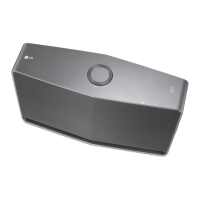
"LG Music Flow H4 (XX)"
3. Play music on your
Bluetooth device.
Using External device
1. PORTABLE IN connection
NP8350B-M0.BCANLLA_SIM_MFL69154863_ENG.indd 21 2015-07-27 4:24:01



 To Next Page
 Loading...