Connecting10
Connecting
2
Connecting to the
Power Supply
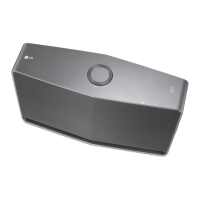
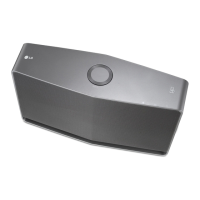
Connect the speaker to the power supply.
1. Connect the supplied AC power cord to POWER
IN rear of speaker.
2. Plug the AC power cord into an AC outlet.
AC power cord
Installing “Music Flow
Player” App
Through “iTunes store” or “Google
Play Store”
1. Tap the “iTunes store” icon or “Google Play Store”
icon.
2. Type in “Music Flow Player” in the search bar and
tap “Search”.
3. Select “Music Flow Player” in the search result list
to download.
y
Music Flow Player app will be available in
version of the software as follow;
Android O/S : Ver 2.3.3 (or later)
iOS O/S : Ver 5.1.1 (or later)
y
Depending on the device, “Music Flow
Player” app may not work.
,
Note



 To Next Page
 Loading...